
Best SOC Software Solutions: 12 Tools for Security Operations Centers
Choosing the best Security Operations Center (SOC) software takes more than comparing individual tools. Modern SOCs combine SIEM, SOAR, XDR, and video wall software to detect threats, investigate incidents, and coordinate response. This guide compares the top SOC software solutions for 2026 and shows how video wall management brings dashboards, alerts, and incident data into one shared view.

A Security Operations Center (SOC) is the team, process, and technology layer that protects an organization from cyber threats. Analysts monitor the environment, investigate suspicious activity, and coordinate the response when an incident occurs. Many teams work around the clock.
No single product covers all of these tasks. Effective SOCs combine security analytics, endpoint protection, automation, and visualization into one connected stack.
This guide reviews 12 leading solutions grouped by their role, so you can decide which tools belong in your environment. It also covers a layer that many teams overlook: real-time visibility on video walls and command center screens.
What Is SOC Software?
SOC software is a category of tools that helps security operations center teams collect, analyze, and respond to threats from a centralized view. It typically includes SIEM for log correlation, SOAR for automating responses, EDR for endpoint monitoring, and threat intelligence platforms that add context to alerts. Together, these tools turn scattered signals into a unified picture — enabling analysts to detect, investigate, and respond to incidents faster and more consistently.
If you are new to the SOC concept, start with our guide What Is a SOC?
Most SOC teams work with a combination of tools:
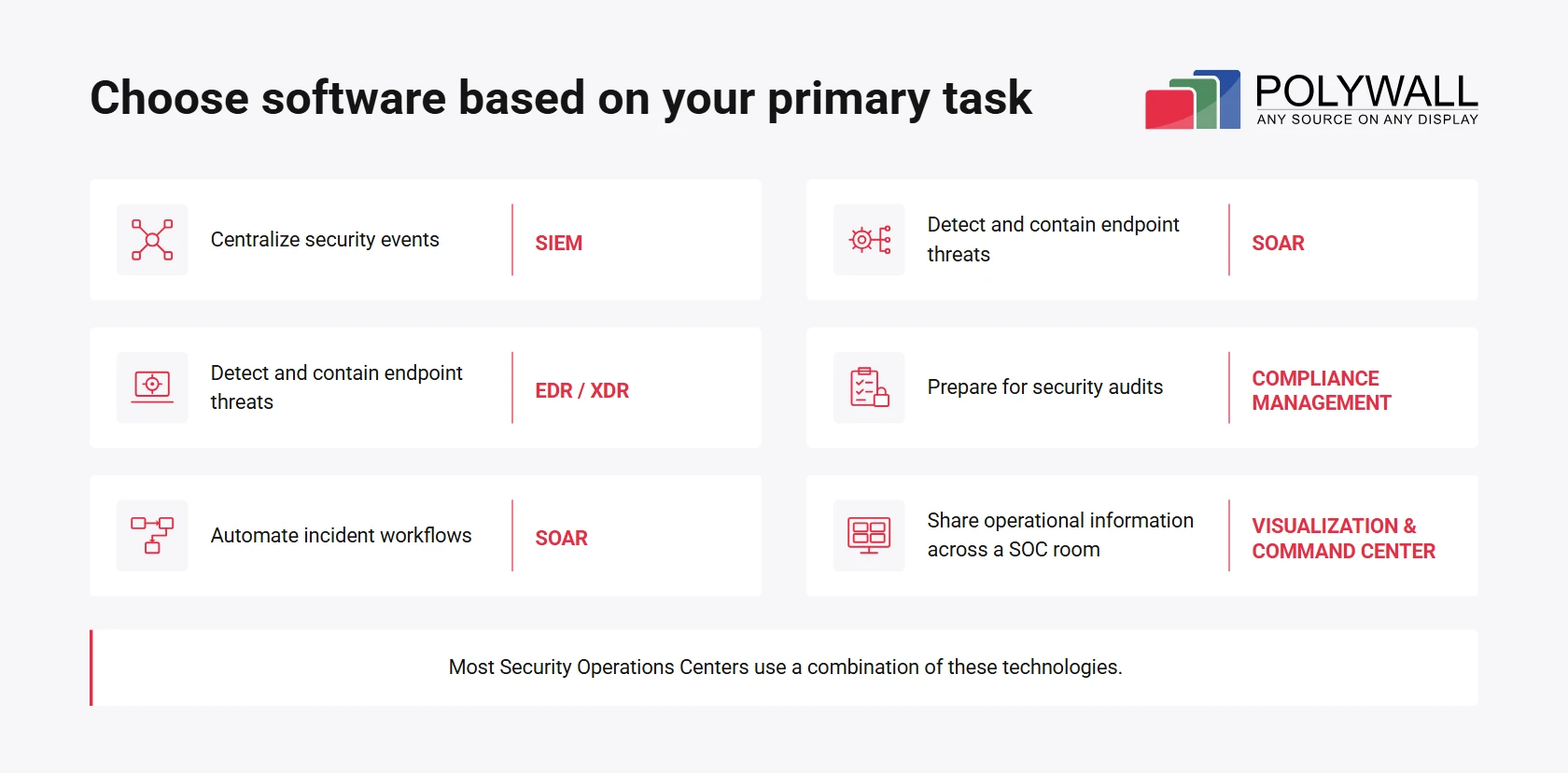
- SIEM (Security Information and Event Management). Collects and correlates logs and events from across the environment.
- SOAR (Security Orchestration, Automation, and Response). Orchestrates investigation and response workflows through automated playbooks.
- XDR / EDR (Extended / Endpoint Detection and Response). Detects and contains threats across endpoints, identities, networks, and cloud workloads.
- Visualization and command center software. Displays alerts, dashboards, and incident timelines on large screens, so the whole shift can coordinate around one picture.
In practice, a typical SOC stack might combine Microsoft Sentinel or Splunk Enterprise Security for event correlation, CrowdStrike Falcon for endpoint detection, built-in SOAR playbooks for automated response, and Polywall video wall software to deliver critical security and incident dashboards across the control room video walls.
Who Uses Security Operations Center Software?
Mid-sized and large enterprises are the most common users of SOC software. Organizations in finance, healthcare, manufacturing, telecom, government, and online services rely on SOCs heavily. These sectors hold sensitive data, face strict regulations, and attract persistent attackers.
Another major group is IT and cybersecurity service providers. Managed security service providers (MSSPs) and managed detection and response (MDR) vendors run multi-tenant SOCs for dozens or hundreds of clients. Their tools must separate customer data while giving analysts a unified workflow.
SOCs differ by focus, and can be grouped into three main types:
- Physical security SOC. Focuses on monitoring physical assets — cameras, access control, and perimeter sensors — to protect facilities, people, and equipment.
- IT infrastructure security / cybersecurity SOC. Monitors networks, endpoints, cloud workloads, and identities to detect and respond to cyber threats.
- Hybrid SOC or converged SOC. Combines both physical and cyber monitoring in one operation, giving teams a unified view of all security events across the organization.
Regardless of the model, the benefits are consistent across all three:
- faster detection and triage;
- repeatable response procedures;
- less manual switching between applications;
- a single operational picture during major incidents.
Video wall software plays a central role in delivering these benefits. It brings alerts, dashboards, and incident timelines onto a shared large-format display, so the whole shift can coordinate around one picture — whether the team is in the same room or working across locations. In a physical SOC, it anchors the shared workspace; in a virtual or hybrid model, it provides a common operational view that remote analysts can access and interact with.
Core Features of SOC Software
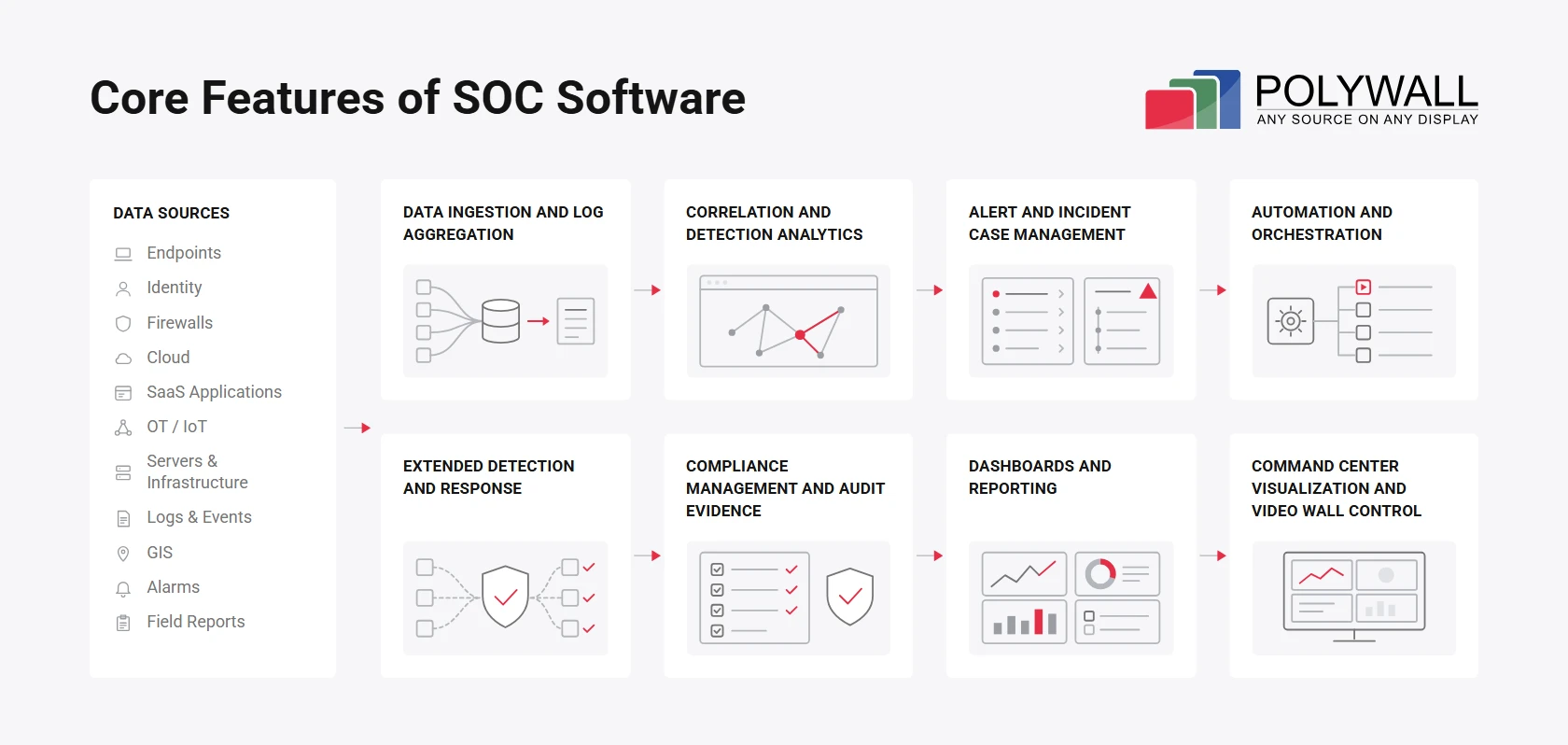
Modern SOC software solutions cover security monitoring, threat detection, incident management, automation, and visualization to support enterprise security operations. The right combination of tools helps security teams detect threats, respond faster and stay compliant — all while keeping the bigger picture in view. Let’s look at the features that drive effective SOC operations.
1. Data Ingestion and Log Aggregation
The foundation of any SOC is telemetry. A SIEM collects data from endpoints, identity providers, firewalls, cloud services, SaaS applications, and sometimes OT or IoT devices. Centralized logs give analysts one place to search instead of a dozen separate consoles.
2. Correlation and Detection Analytics
Raw events mean little on their own. Correlation rules, behavioral analytics, anomaly detection, and threat intelligence turn them into meaningful alerts. Mature platforms map detections to the MITRE ATT&CK framework, so teams can find coverage gaps.
3. Alert and Incident Case Management
Good platforms deduplicate and group related events, assign owners, and track severity and SLAs. Each case keeps a timeline, analyst notes, and evidence. Integrations with Jira or ServiceNow keep IT and security teams aligned.
4. Automation and Orchestration
SOAR playbooks enrich alerts, create tickets, notify stakeholders, and trigger containment actions. Automation should be introduced gradually. High-impact steps, such as disabling an executive account, usually stay behind analyst approval.
5. Extended Detection and Response
XDR and EDR tools watch process behavior, identities, network activity, and cloud workloads. Their main advantage is fast containment. Analysts can isolate a host or kill a malicious process directly from the console.
6. Dashboards and Reporting
SOC leaders need metrics such as mean time to detect (MTTD), mean time to respond (MTTR), alert volume, backlog, and false-positive rate. Clear reports help justify budgets and show where processes break down.
7. Visualization and Control
Control room video wall software brings multiple applications dashboards and data onto large displays at once. Operators switch between predefined layouts, zone the wall for different teams, and move into "crisis mode" with one click. Shared situational awareness reduces miscommunication. During major incidents, coordination improves because everyone sees the same data and timeline.

A Video Wall Should Support Decisions, Not Just Display Data
One of the most common mistakes when designing a Security Operations Center is trying to display as much information as possible on a video wall. More dashboards do not necessarily mean better situational awareness.
A useful SOC display should be organized around the decisions operators need to make. During routine monitoring, teams may need a high-level view of security alerts, network health, and active incidents. During a critical incident, the priorities change: analysts need immediate access to affected systems, incident timelines, escalation status, and response progress.
That’s why I recommend planning video wall layouts around operational scenarios rather than individual applications. Define what information the team needs during normal operations, incident investigation, and crisis response. Then create dedicated layouts for each scenario.
The goal is not to make every dashboard visible. It’s to make the most important information visible to the right people at the right time.
How We Selected These SOC Software Solutions
We selected 12 software solutions to cover the core functions of security operations, drawing on available product documentation and their relevance to different SOC environments. The goal is not to rank unrelated products against each other, but to help readers identify the tools that fit their operational requirements.
Our comparison considers six criteria:
- Core capabilities: The primary tasks each platform supports, from threat detection and incident response to visualization and compliance management.
- Deployment options: Cloud, on-premises, hybrid, and software-defined approaches, depending on the product.
- Integration capabilities: Supported data sources, third-party applications, APIs, and existing security infrastructure.
- Operational requirements: Ease of management, operator access, automation, and infrastructure considerations.
- Scalability: Suitability for different team sizes, distributed environments, and enterprise operations.
- Cost considerations: Licensing models, infrastructure requirements, implementation complexity, and ongoing maintenance.
The review draws on publicly available vendor documentation, product information, and published case studies. It is not based on independent hands-on testing of all 12 platforms. Product capabilities and deployment requirements should be verified with vendors before making a purchasing decision.
SOC Software Categories
So, what is the best SOC software? The honest answer: a combination of tools, not one platform. The right mix depends on company size, security maturity, infrastructure, compliance obligations, and incident response processes.
This review covers four core Security Operations Center software categories and one separate SOC 2 compliance category:
- SOC video wall software. Provides SOC operations visualization. Creates a shared operational picture by bringing dashboards, alerts, maps, and incident data onto video walls.
- SIEM software. Centralizes and analyzes security logs to detect suspicious activity and support investigations.
- XDR / EDR platforms. Detect and respond to threats across endpoints, networks, identities, and cloud environments.
- SOAR and security automation. Automates repetitive tasks and coordinates response workflows.
- SOC 2 compliance management software. Supports audit readiness, monitors security controls, and collects compliance evidence. Unlike Security Operations Center software, these platforms do not perform threat detection or incident response.
Best SOC Software Solutions for 2026
The table below groups all 12 solutions by their primary function. Some support threat detection and incident response, while others provide visualization capabilities. Vanta and Drata are included as a separate SOC 2 compliance category. They support audit readiness and control monitoring rather than Security Operations Center operations. Use this security operations center software comparison to shortlist tools within each category, not across them.
| Solution | Category | Best for | Deployment / approach | Key strength | Main consideration |
|---|---|---|---|---|---|
| Polywall | SOC video wall software | SOCs, NOCs, operations centers, shared video walls | 100% software control room layer | Any source on any display, flexible visualization scenarios, remote access, VR, distributed offices | Complements, not replaces SIEM/XDR, so detection tools are still required |
| Userful | SOC video wall software | Enterprise operations centers | Software-defined AV-over-IP | Centralized visual operations across many displays | SOC-specific scope should be validated per project |
| VuWall | SOC video wall software | Control rooms | TRx ecosystem with AV-over-IP hardware | Broad hardware and software ecosystem | Often requires multiple components |
| Splunk Enterprise Security | SIEM | Large, data-rich enterprises | Enterprise analytics platform | Flexible search and risk-based alerting | Cost and engineering effort grow with data |
| Microsoft Sentinel | Cloud SIEM + SOAR | Microsoft and multicloud environments | Cloud-native, consumption-based | 400+ connectors and built-in automation | Ingestion and retention need cost governance |
| IBM QRadar SIEM | SIEM | Established and regulated SOCs | Centralized enterprise SIEM | Mature correlation and compliance reporting | Roadmap and deployment model need review |
| Elastic Security | SIEM / XDR | Teams that value openness | Cloud, on-prem, hybrid, air-gapped | Open rules and flexible infrastructure | Requires Elastic expertise |
| Rapid7 InsightIDR | Cloud SIEM | Midmarket and lean teams | Cloud-native SaaS | Fast deployment with behavioral analytics | Less infrastructure flexibility |
| CrowdStrike Falcon | EDR / XDR | Endpoint-heavy environments | Cloud-delivered, single agent | Strong endpoint telemetry and intelligence | Full value needs several modules |
| Cortex XSIAM | Unified SecOps | Large SOC transformation programs | AI-driven unified platform | Combines SIEM, XDR, and SOAR workflows | Complex migration, enterprise investment |
| Vanta | Compliance automation | Cloud-native companies pursuing SOC 2 | SaaS | 400+ integrations, automated tests | Not a threat-detection platform |
| Drata | Compliance automation | Scaling compliance programs | SaaS | Continuous control monitoring | Not a SIEM, SOAR, or XDR |
Teams that already compared the best security operations center software 2025 lists should reassess them for 2026. Vendors keep expanding AI-assisted triage, built-in automation, and unified data lakes, so last year’s leader may no longer fit.
We do not list prices here. Most vendors quote individually, and costs depend heavily on data volume, region, and modules.
1. SOC Video Wall Software
SIEM, XDR, and SOAR platforms process and analyze security data. However, they rarely solve a physical problem: how a team of ten analysts sees the same information during a high-pressure incident.
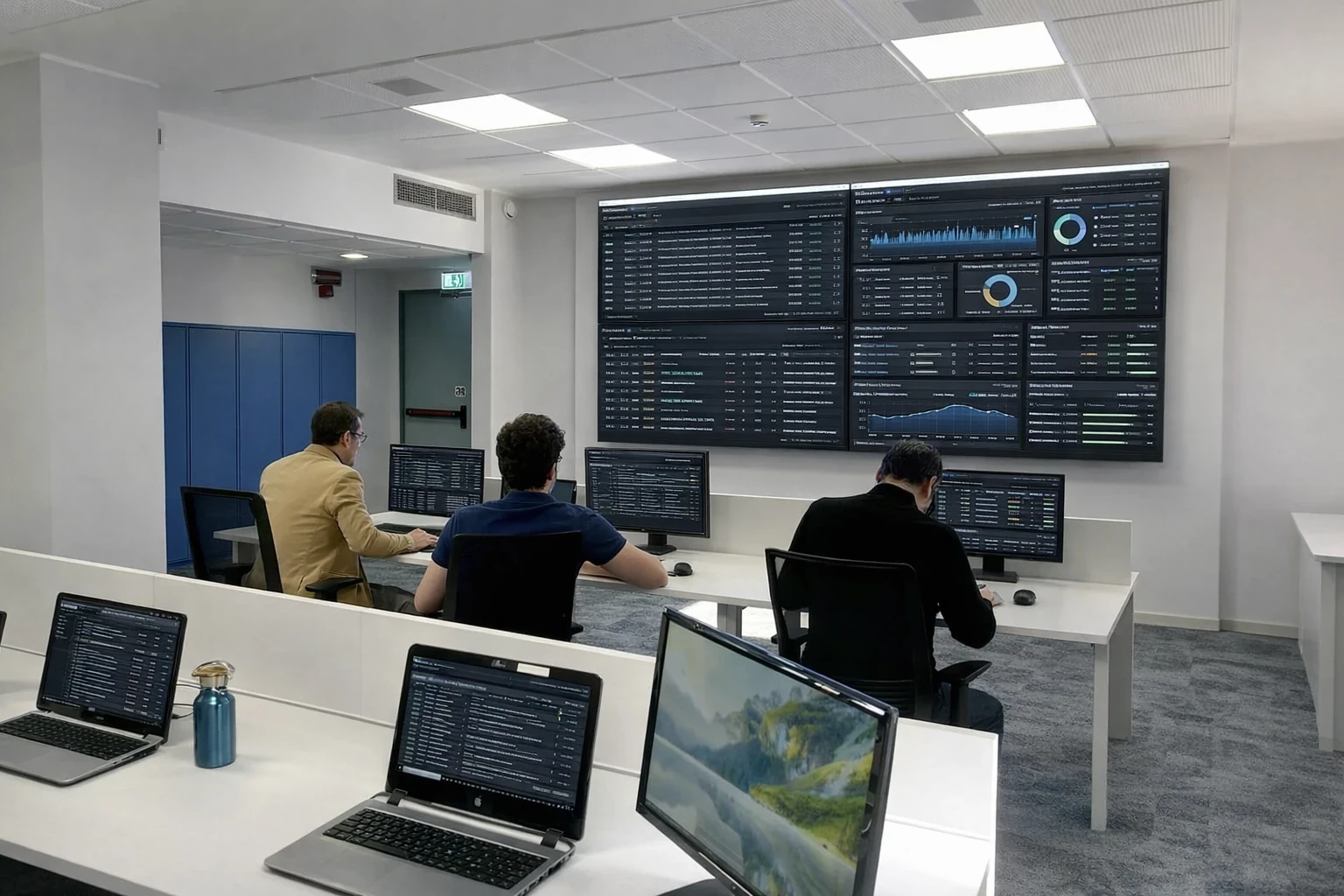
Video wall software fills that gap. It places several systems side by side and applies different layouts for routine monitoring and crisis response. It can also merge cyber and physical security data. A SOC video wall software turns a set of screens into a coordinated workspace.
Polywall
Polywall is a powerful control room software platform for managing video walls at SOCs, NOCs, operation centers, command centers, and enterprise control rooms. It has delivered 1,000+ projects across four continents. It unifies content sources and operator workflows around shared displays. Instead of buying a dedicated hardware controller, teams can run the wall from standard IT equipment.
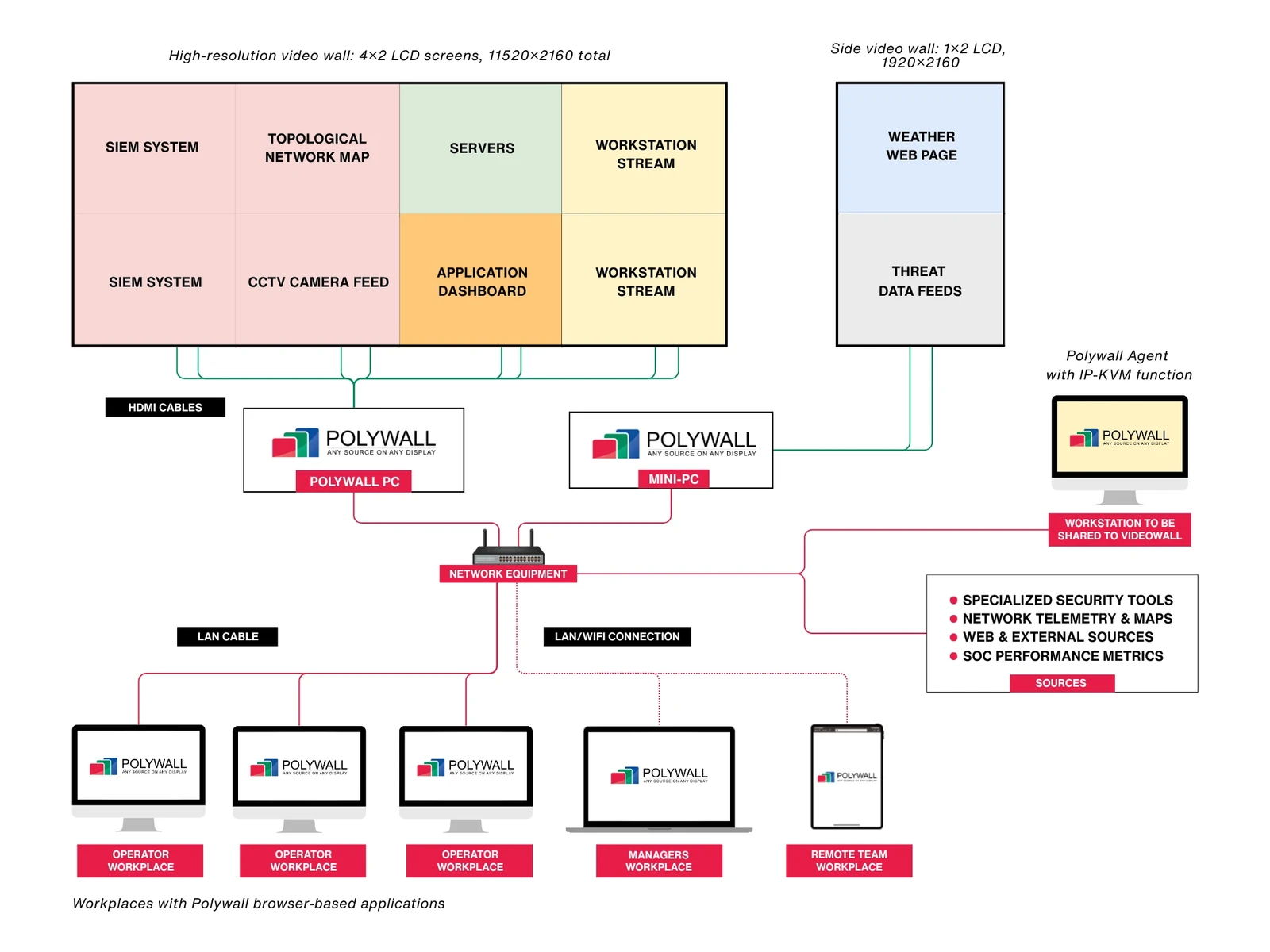
Polywall does not correlate logs or protect endpoints. It makes the output of those systems visible to the entire team as well as provides convenient tools to manage video wall layouts for operators and managers. Consider a typical workflow:
- Microsoft Sentinel detects suspicious sign-in activity.
- A SOAR playbook creates an incident and runs enrichment.
- Polywall switches the wall to an incident layout. The layout shows the case dashboard, affected assets, a geographic map, the ticket queue, and relevant CCTV feeds.
- Operators and managers coordinate from one shared view.
Key capabilities
- centralized management of all video wall sources and all video walls;
- on-demand launch of applications and dashboards;
- creation and instant switching of layouts;
- predefined layouts for various roles;
- control of multiple video walls and focus zones;
- Polywall Lens for remote access to wall views;
- Polywall VR for virtual control rooms;
- operator interfaces for shift staff;
- resilient architecture for continuous 24/7 monitoring;
- compatibility with existing displays and standard IT infrastructure.
Explore the full list of Polywall features.
Polywall displays content from many source types, including:
- SIEM and SOC dashboards (Splunk, Sentinel, QRadar, Elastic, and others shown through their web or desktop interfaces);
- browser-based business applications;
- BI dashboards;
- IP cameras, CCTV, and VMS streams;
- remote desktops and workstation streams;
- maps and GIS systems;
- documents and video conferences;
- AV-over-IP and KVM signals, when a project requires them.
This allows SOC operators to monitor information from multiple systems on a single video wall without replacing their existing security platforms.
Pros
- software-first architecture on standard computers and IT network;
- support for diverse source types;
- flexible, alert-driven layouts;
- remote viewing through Polywall Lens;
- virtual control rooms with Polywall VR;
- complements the existing stack instead of replacing it;
- on-premise installation.
Cons
- not a SIEM, XDR, or SOAR, so detection tools are still required;
- results depend on well-planned wall design, roles, and incident workflows;
- some specialized sources may need capture, AV-over-IP, or KVM hardware.
Who Is Polywall For? Polywall suits both physical and cybersecurity SOCs at banks, telecom, critical infrastructure operators, MSSPs, and large enterprises. It also fits hybrid SOCs and system integrators who build monitoring centers. Learn more about Polywall’s Security Operations Center solutions.
Common use cases include:
- 24/7 SOC monitoring. Persistent views of alert queues, network health, and threat intelligence feeds.
- Security incident response. Instant switch to a dedicated incident layout.
- Cybersecurity war rooms. Cross-team coordination with legal, IT, and leadership.
- Executive security overview. Simplified risk dashboards for management briefings.
- MSSP monitoring rooms. Client-specific zones on one wall.
- Converged security. Cyber and physical security data in one space.
Proven in Real SOCs
Italtel is a leading multinational IT company that provides digital services and manages network operations for clients across distributed environments. To strengthen its centralized 24/7 Security and Network Monitoring Center, the company adopted a scalable real-time monitoring solution based on Polywall control room video wall software. The solution ensures round-the-clock network oversight and rapid incident response across all locations.
GM Sectec, the global cybersecurity provider that monitors client IT systems and platforms. The company built its cybersecurity monitoring center equipped with a high-performance video wall software solution. The solution provides real-time visualization and management of critical cybersecurity data. It also enables the team to visualize, analyze, and respond to cybersecurity threats in real-time.
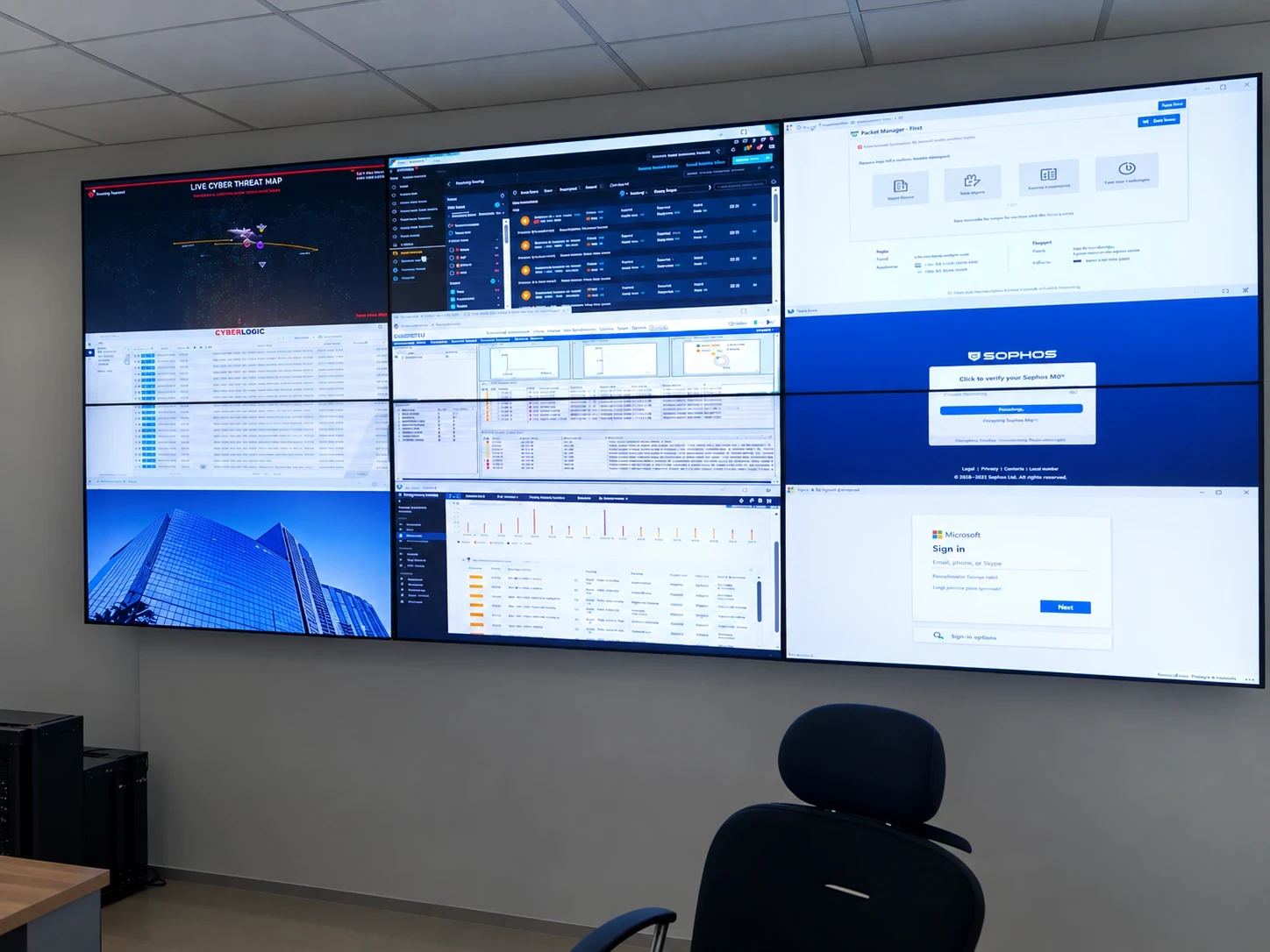
A SOC deployment at a bank in Western Africa demonstrates how Polywall can support multi-display monitoring using standard IT hardware. No dedicated hardware video wall controller is required. The video wall displays monitoring tools, SIEM dashboards, network applications, and threat intelligence feeds simultaneously.
Userful
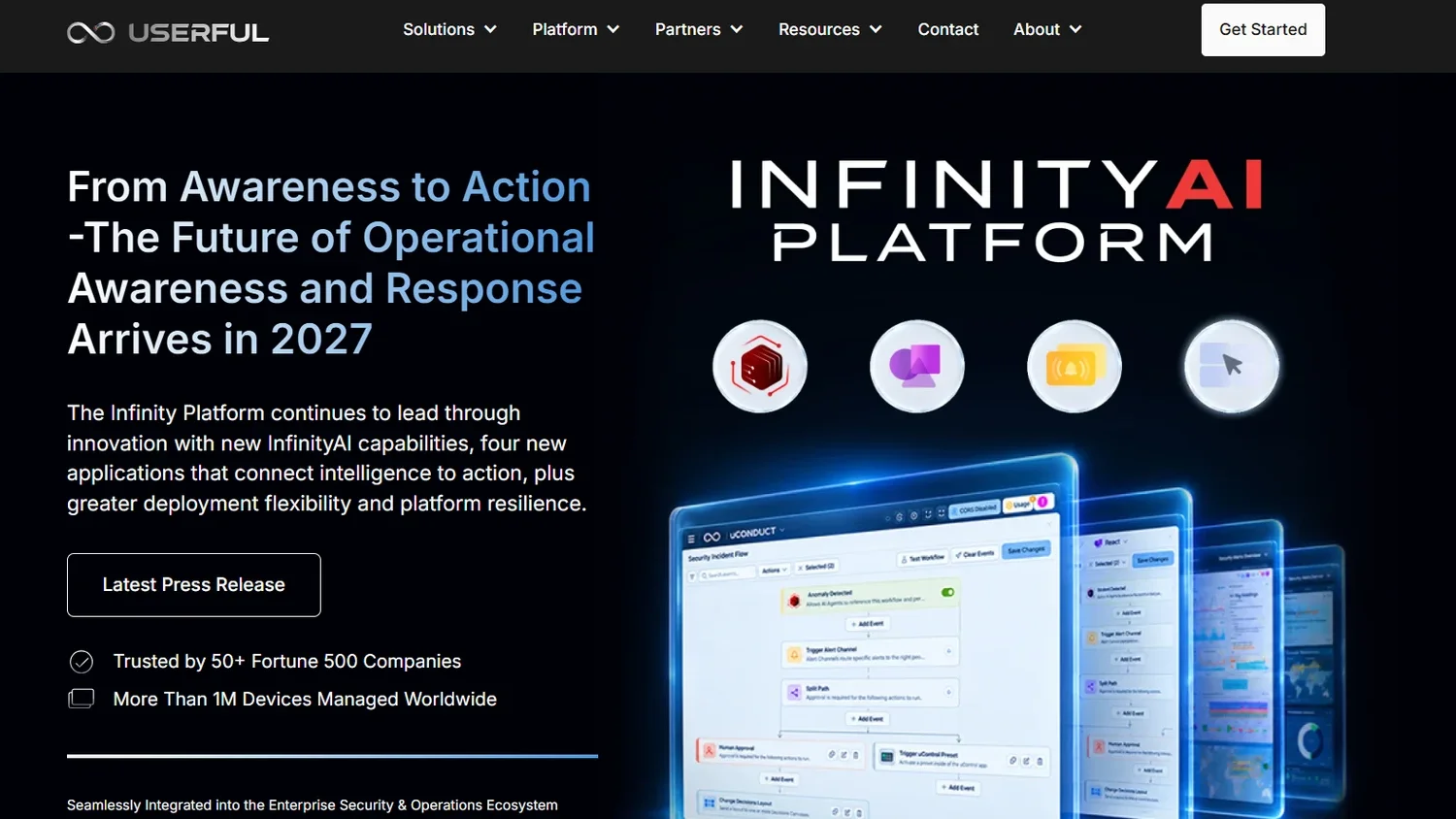
Userful is a software-defined AV platform that delivers content to displays across an organization over the standard IT network. Its main focus is enterprise-scale visual networking. A single platform can manage video walls, operations centers, and digital signage from one browser-based console.
Key capabilities
- centralized, browser-based management of displays and sources;
- content distribution across many screens and locations;
- operations center and control room support;
- server-based architecture that runs on standard IT infrastructure;
- role-based operator workflows.
Pros
- software-centric approach that IT teams find familiar;
- strong fit for multi-site deployments;
- one platform for several visual use cases.
Cons
- SOC-specific integrations should be verified for each project;
- capabilities depend on chosen components and licensing;
- does not replace SIEM or XDR tools.
Who is Userful for? Large distributed enterprises that want one visual infrastructure for operations centers and other display environments across many sites. When comparing Userful with Polywall, evaluate supported sources, remote operation, layout automation, and integration models, not only screen count.
VuWall
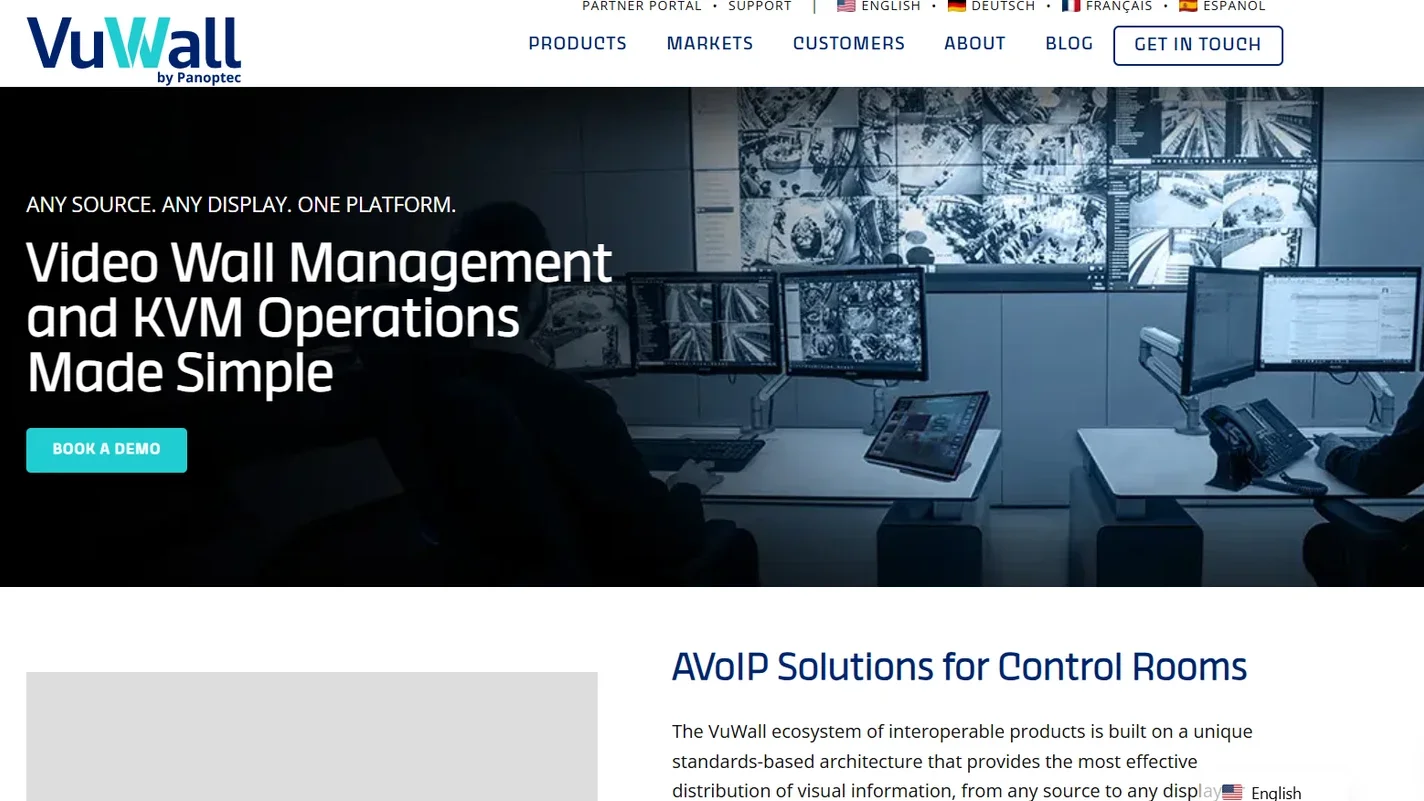
VuWall offers a full ecosystem for mission-critical control rooms. Its control room portfolio centers on the TRx management platform. It is supported by components such as VuCore, PAK, VuStream, VuScape, and ControlVu.
Key capabilities
- multi-source, multi-screen visualization;
- centralized management through TRx;
- VMS integration;
- AV-over-IP encoders, video wall, and KVM nodes;
- custom video wall controllers and touch-panel control;
- design for 24/7 operation.
Pros
- comprehensive hardware-plus-software ecosystem;
- strong AV-over-IP capabilities;
- proven in security, utilities, transportation, government, energy, and banking.
Cons
- architecture often includes several hardware components;
- deployment usually requires an experienced AV integrator;
- total cost scales with endpoints, walls, and infrastructure.
Who is VuWall for? Large AV-driven control rooms in government, defense, utilities, and transportation. It fits organizations that prefer a tightly integrated hardware and software ecosystem.
2. SIEM Software
SIEM platforms form the core of most SOC architectures. They collect events from many sources, normalize them, and correlate patterns that would be invisible in separate logs. The five platforms below represent different approaches to that job.
Splunk Enterprise Security
Splunk Enterprise Security, now part of Cisco, is one of the most established SIEM platforms. It suits complex environments with many data sources and demanding detection engineering needs. Its search language gives skilled analysts almost unlimited flexibility.
Risk-based alerting (RBA) is a major differentiator. RBA groups weak signals into higher-confidence risk notables. Splunk states that RBA can reduce alert volume by up to 90% when implemented correctly.
Key capabilities
- log ingestion;
- correlation searches;
- risk-based alerting;
- investigation workflows;
- threat intelligence management;
- customizable dashboards.
Pros
- powerful, flexible search and analytics;
- mature ecosystem of apps and add-ons;
- strong fit for complex enterprises.
Cons
- costs can rise sharply with data volume;
- requires skilled engineers;
- implementation and tuning take time.
Who is it for? Large organizations and mature SOCs with many data sources and a dedicated detection engineering function.
Microsoft Sentinel
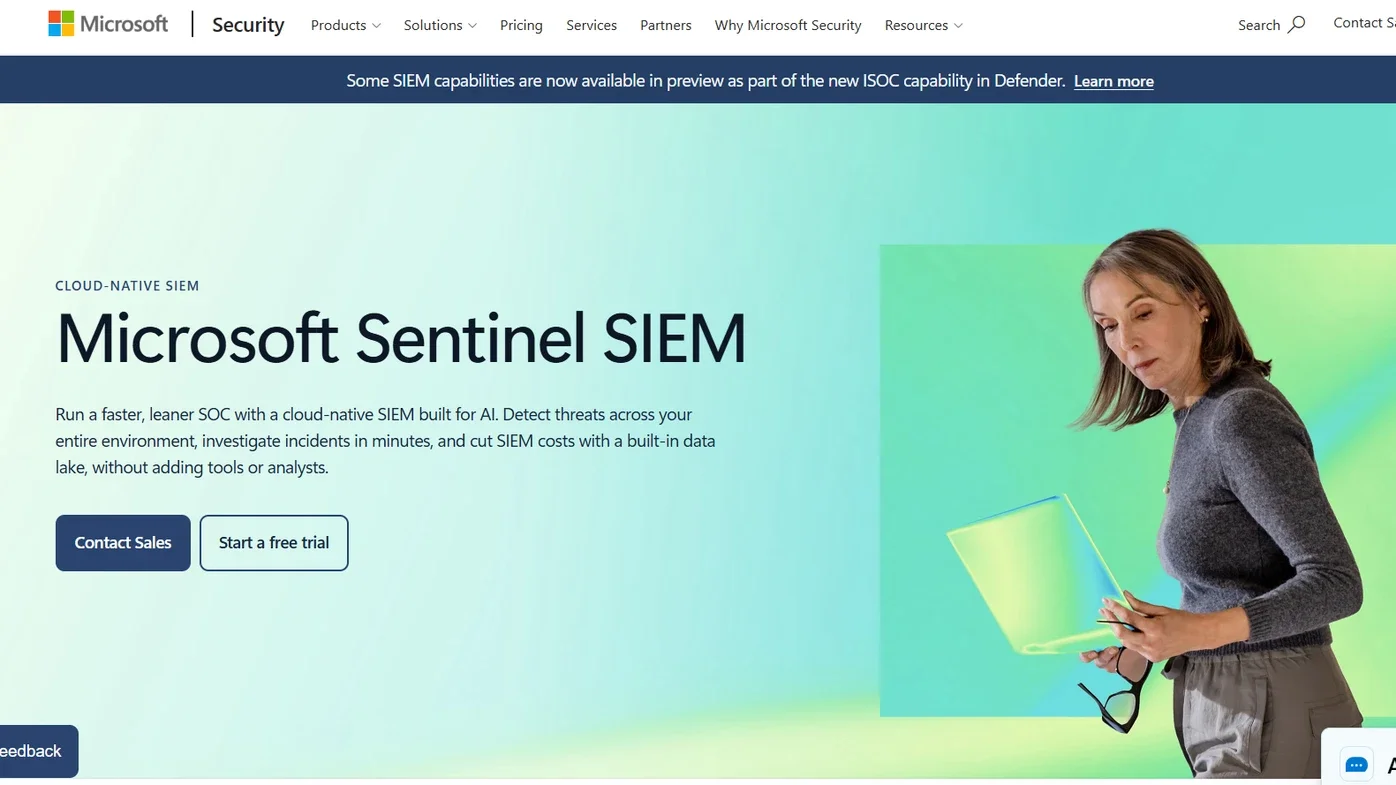
Microsoft Sentinel is a cloud-native SIEM with built-in SOAR capabilities. It ingests data from Microsoft clouds, AWS, Google Cloud, on-premises systems, and third-party tools. Microsoft is increasingly unifying Sentinel with Defender XDR in one security operations experience.
Pricing is consumption-based. It covers data ingestion, storage, and optional commitment tiers, so exact costs depend on your volume and region.
Key capabilities
- more than 400 native connectors;
- a no-code connector framework;
- AI-assisted investigation;
- automation rules and Logic Apps playbooks;
- native XDR integration;
- a built-in data lake.
Pros
- deep integration with Microsoft 365 and Azure;
- SIEM and SOAR in one cloud service;
- elastic cloud scale.
Cons
- ingestion and retention costs require governance from day one;
- organizations outside the Microsoft ecosystem gain fewer advantages.
Who is it for? Microsoft-centric and multicloud enterprises that want detection and automation in one cloud-native platform.
IBM QRadar SIEM
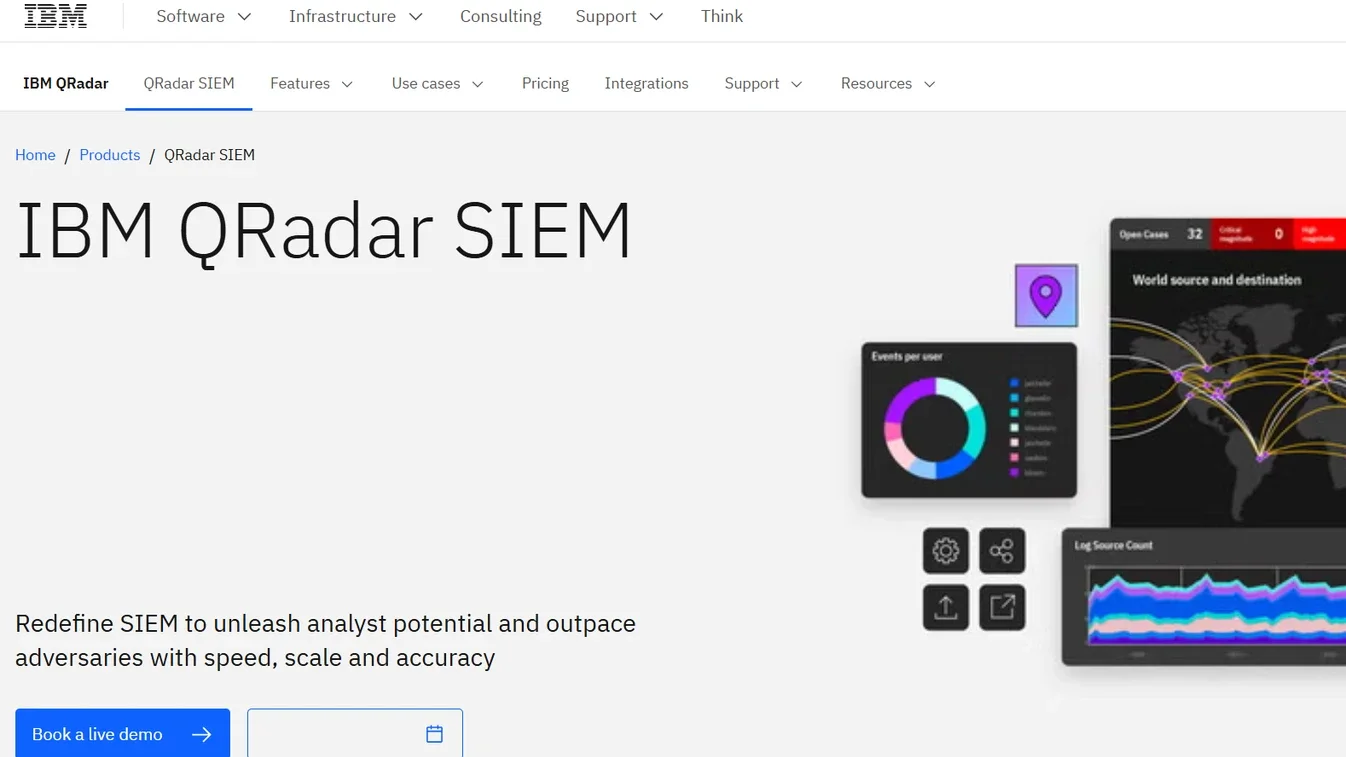
IBM QRadar SIEM centralizes security events and network flows, correlates them, and turns them into prioritized "offenses." The offense model gives analysts a structured starting point for every investigation. Compliance reporting has long been one of its strengths.
In 2024, IBM agreed to sell its QRadar SaaS assets to Palo Alto Networks. IBM continues to offer and support QRadar for on-premises customers. Buyers should review the current roadmap and deployment options before committing.
Key capabilities
- event and flow correlation;
- offense prioritization;
- real-time threat detection;
- investigation tools;
- compliance reporting.
Pros
- mature, proven correlation engine;
- strong fit for regulated industries;
- structured investigation workflow.
Cons
- deployment and maintenance can be complex;
- requires an experienced team;
- deployment model and roadmap need careful assessment.
Who is it for? Organizations with existing QRadar investments, regulated industries, and large on-premises or hybrid environments.
Elastic Security
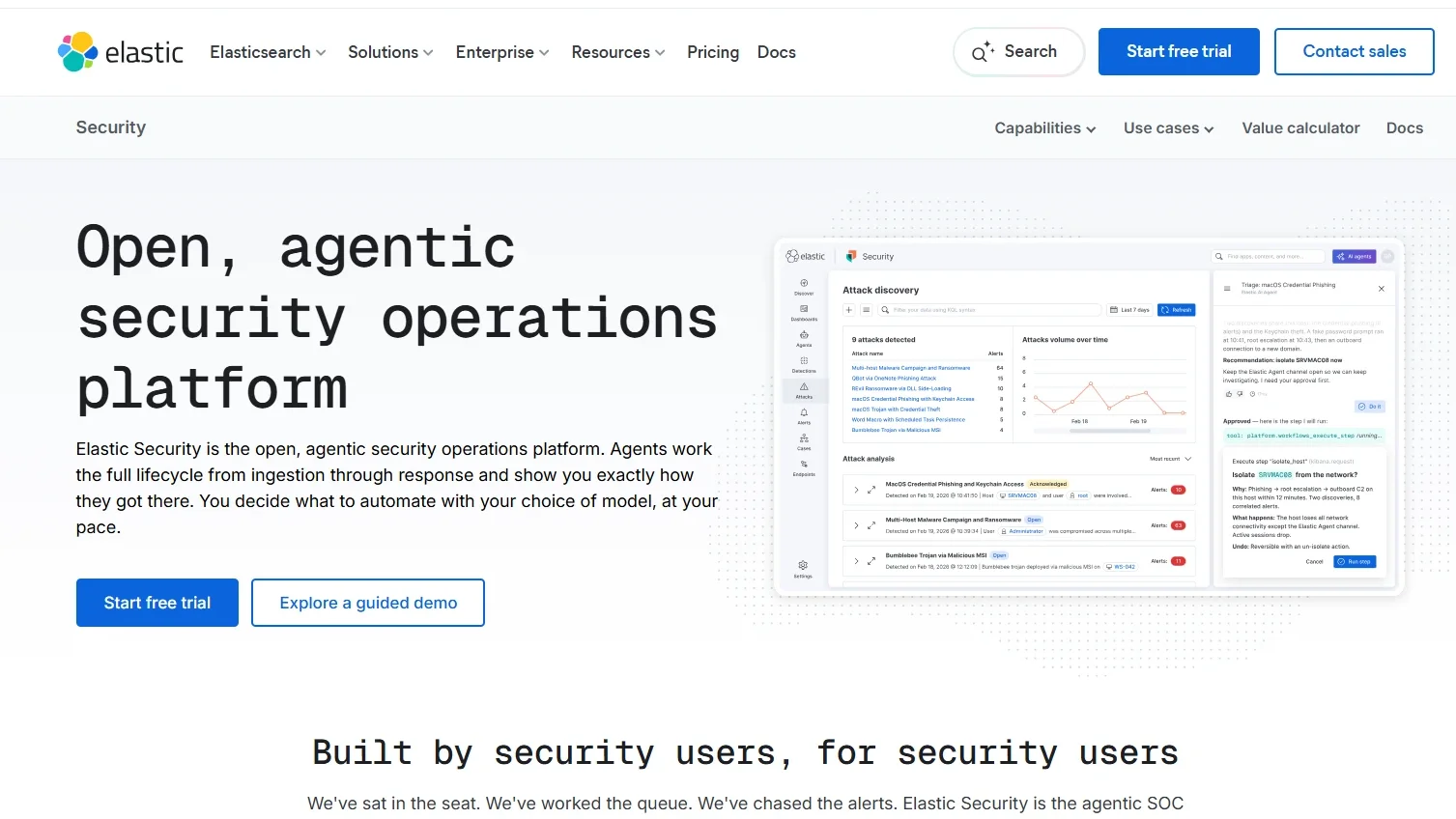
Elastic Security combines SIEM, endpoint protection, XDR, and threat hunting on one data platform. Its open approach appeals to engineering-driven teams. They can read, modify, and contribute to detection logic.
Elastic publishes more than 1,300 customizable detection rules on GitHub and offers over 400 integrations. It supports cloud, on-premises, hybrid, and fully air-gapped deployments. Pricing is based on compute and storage rather than per endpoint.
Key capabilities
- SIEM;
- native endpoint protection;
- built-in automation workflows;
- AI-assisted triage;
- attack correlation;
- threat hunting;
- ECS/OCSF data model support.
Pros
- transparent, open detection rules;
- flexible deployment, including air-gapped sites;
- fast search across historical data.
Cons
- requires Elastic expertise;
- poor cluster design can complicate operations;
- tuning detections and data pipelines takes effort.
Who is it for? Engineering-oriented security teams, hybrid and air-gapped environments, and organizations that want full control over data and rules.
Rapid7 InsightIDR
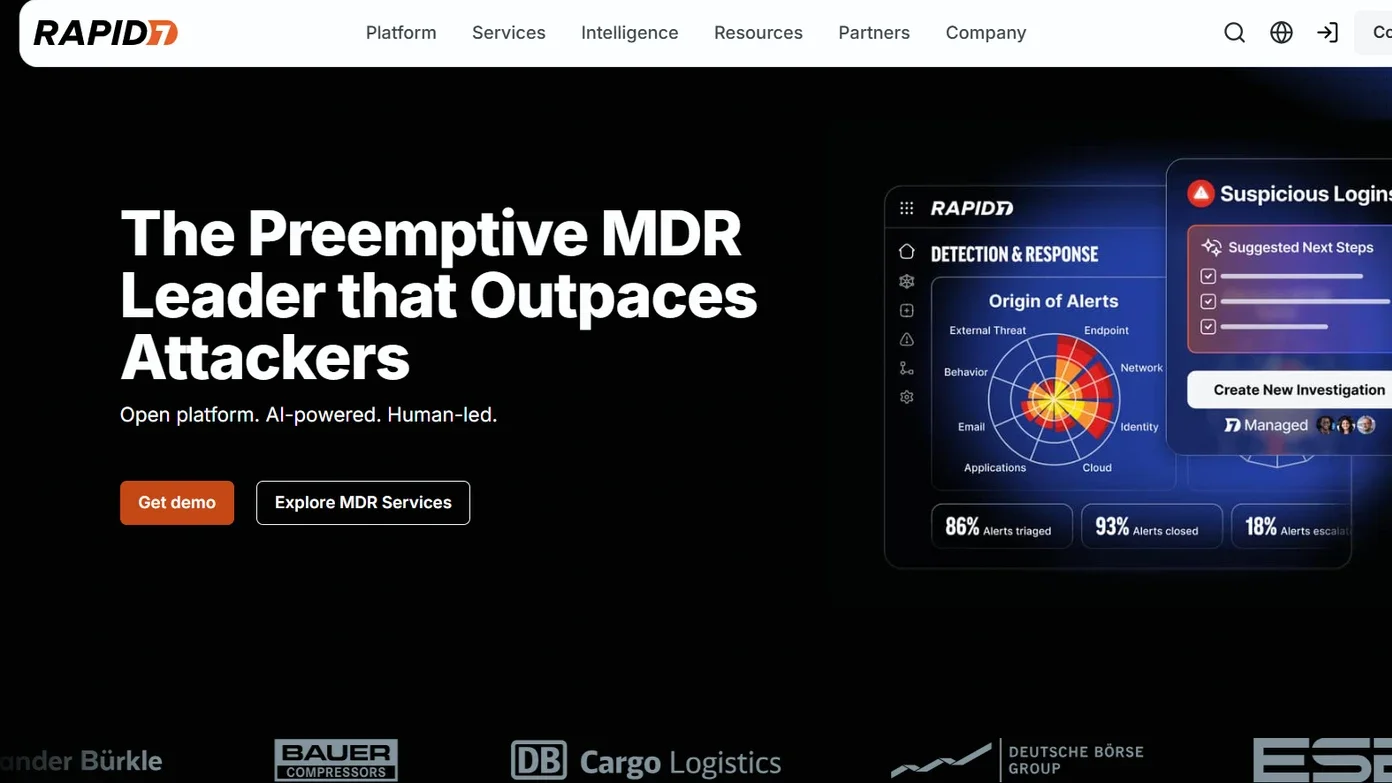
Rapid7 InsightIDR is a cloud SIEM designed to deliver value quickly. It suits teams that want centralized detection without building a complex data platform themselves. Rapid7’s own MDR service runs on the same technology.
The platform combines log management with user and entity behavior analytics (UEBA) and attacker behavior analytics. Deception tools, such as honeypots, are also available.
Key capabilities
- cloud log search;
- UEBA;
- endpoint telemetry through the Insight Agent;
- built-in detections mapped to MITRE ATT&CK;
- guided investigation workflows.
Pros
- faster time to value than heavy self-managed SIEMs;
- investigation-focused interface;
- good fit for small and mid-sized teams.
Cons
- less infrastructure flexibility than self-managed platforms;
- data volume and retention affect cost;
- feature set varies by license.
Who is it for? Midmarket organizations and lean SOC teams that want a managed cloud SIEM with guided workflows.
3. XDR and EDR Platforms
A SIEM sees logs; XDR and EDR see behavior on the asset itself. Endpoint and extended detection platforms collect deep telemetry and can contain threats immediately. In most SOCs, XDR feeds high-fidelity alerts into the SIEM, and the SIEM adds context from the rest of the environment.
CrowdStrike Falcon
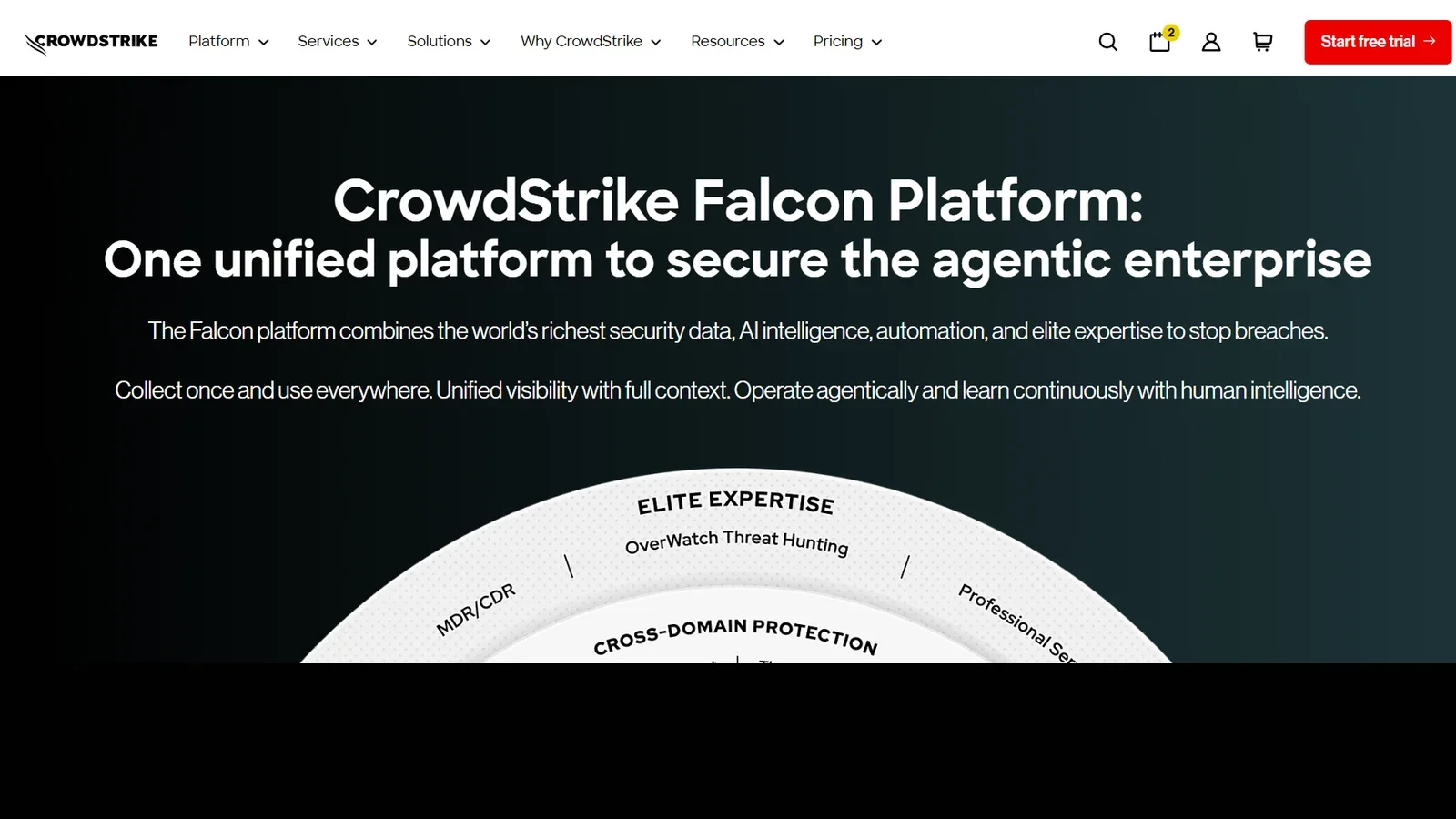
CrowdStrike Falcon is a cloud-delivered security platform built around a single lightweight agent. Endpoint protection is its foundation. Additional modules cover identity, cloud security, exposure management, threat intelligence, and Falcon Next-Gen SIEM.
Managed threat hunting and AI-assisted analysis help smaller teams extend their capacity.
Key capabilities
- EDR and XDR;
- real-time endpoint telemetry;
- one-click host containment;
- threat hunting;
- threat intelligence;
- managed detection options.
Pros
- excellent endpoint visibility;
- single agent and unified console;
- strong threat intelligence;
- scales well for distributed workforces.
Cons
- costs grow as modules are added;
- licensing can be complex;
- log-centric use cases may require additional modules.
Who is it for? Organizations where endpoints are the main control layer, distributed workforces, and mature SecOps teams.
Cortex XSIAM
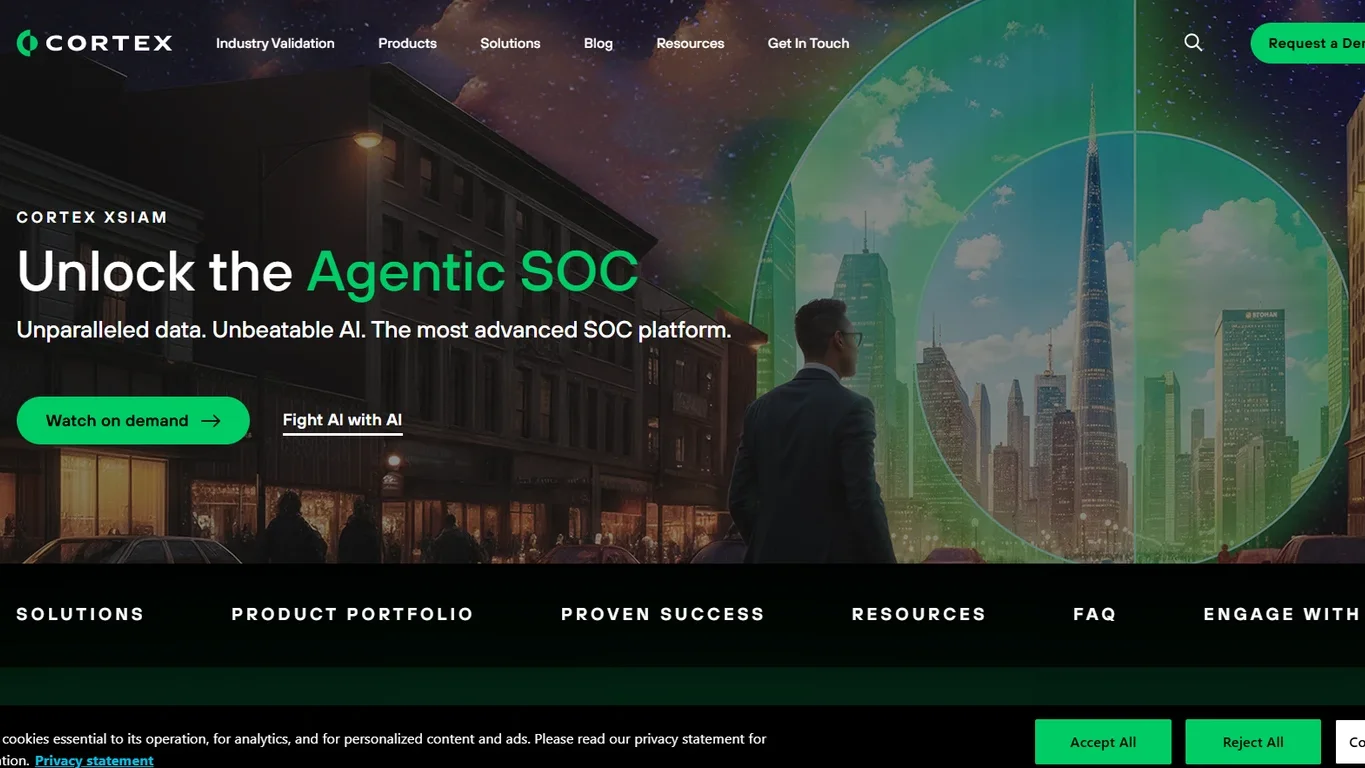
Cortex XSIAM is an AI-driven security operations platform. It merges capabilities traditionally split across SIEM, XDR, SOAR, and attack surface management. The goal is one data foundation and one analyst workflow.
Palo Alto Networks states that XSIAM can reduce alert noise by up to 99%. Treat this as a vendor claim and validate it with your own data during a proof of concept.
Key capabilities
- data ingestion and normalization across endpoint, network, cloud, and identity;
- analytics-driven detection;
- incident grouping;
- built-in automation;
- unified case management.
Pros
- consolidates several tool categories;
- deep native automation;
- less context switching for analysts.
Cons
- complex migration from an existing SIEM;
- enterprise-level investment;
- strongest within the Palo Alto ecosystem.
Who is it for? Large enterprises running SOC transformation programs, especially those already invested in Palo Alto Networks.
4. SOAR and Security Automation
Standalone SOAR tools still exist. However, many teams now rely on automation built into their main platforms. Microsoft Sentinel, Elastic Security, and Cortex XSIAM all include playbook engines. For most organizations, the question is no longer which SOAR to buy. The real question is which workflows are stable enough to automate.
5. SOC 2 Compliance Management Software: A Separate Category
The acronym SOC has two different meanings in cybersecurity.
A Security Operations Center (SOC) focuses on threat monitoring, detection, investigation, and incident response.
SOC 2, or System and Organization Controls 2, refers to an audit framework for evaluating controls at service organizations.
SOC 2 compliance software supports a different set of tasks, including continuous control monitoring, evidence collection, and audit preparation. Platforms such as Vanta and Drata do not replace SIEM, XDR, SOAR, or SOC visualization tools.
We include them in this comparison as a separate category because security teams may contribute logs, incident records, and other evidence to compliance processes. However, these platforms should be evaluated against compliance requirements rather than SOC threat detection capabilities.
Vanta: Best for Broad Compliance Automation and Cloud Integrations
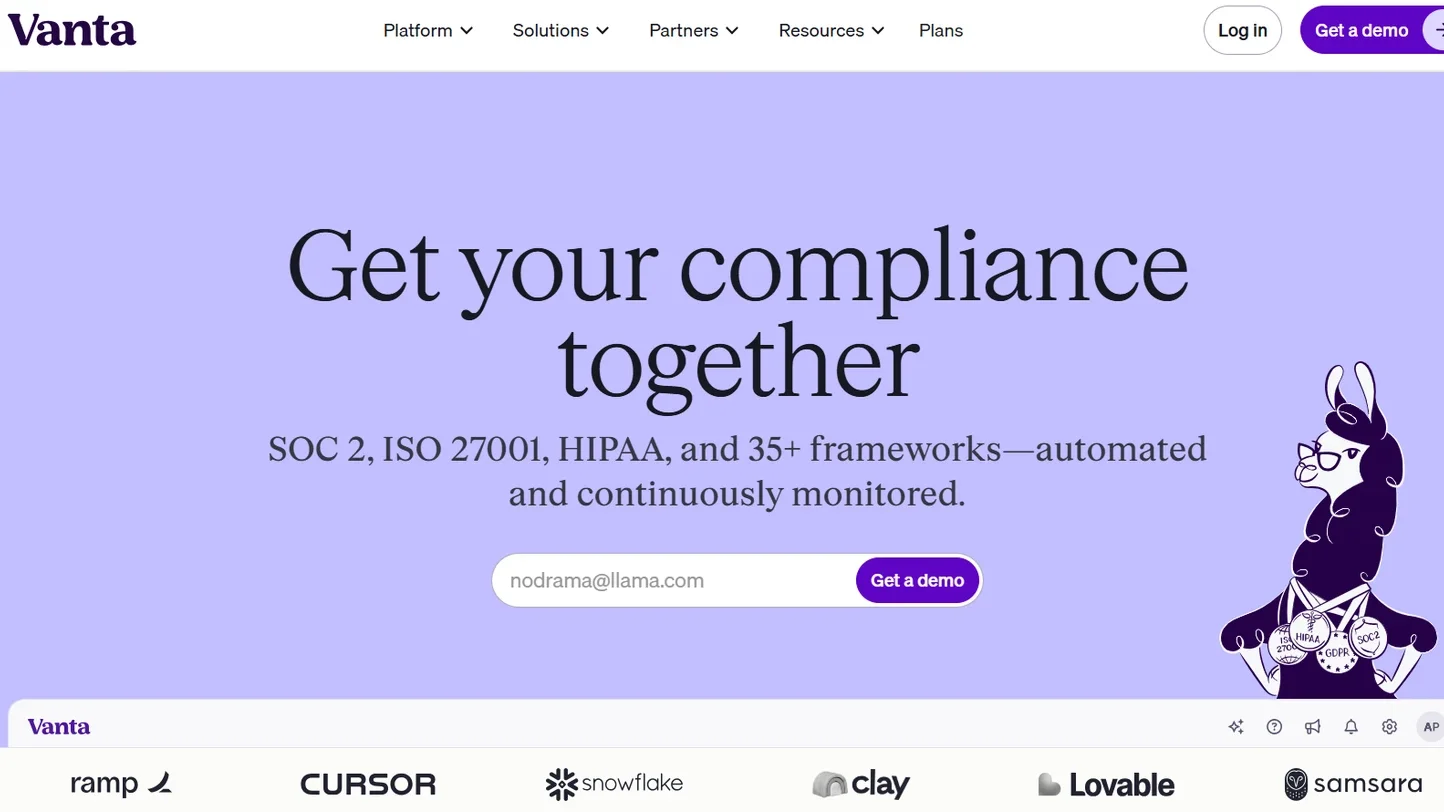
Vanta automates compliance for SOC 2, ISO 27001, HIPAA, PCI DSS, GDPR, and many other frameworks. According to Vanta, the platform runs more than 1,400 automated tests and offers over 400 integrations. It continuously checks whether controls are working.
Key capabilities
- automated evidence collection;
- continuous control monitoring;
- policy templates;
- cross-framework control mapping;
- auditor collaboration;
- trust center features.
Pros
- very broad integration library;
- fast path to a first SOC 2 report;
- support for many frameworks.
Cons
- does not replace the auditor;
- does not detect live cyberattacks;
- custom pricing;
- results depend on integration quality and internal processes.
Who is Vanta for? SaaS companies, startups, and scale-ups preparing for SOC 2 or managing several frameworks at once.
Drata: Best for Continuous Control Monitoring and Audit Readiness
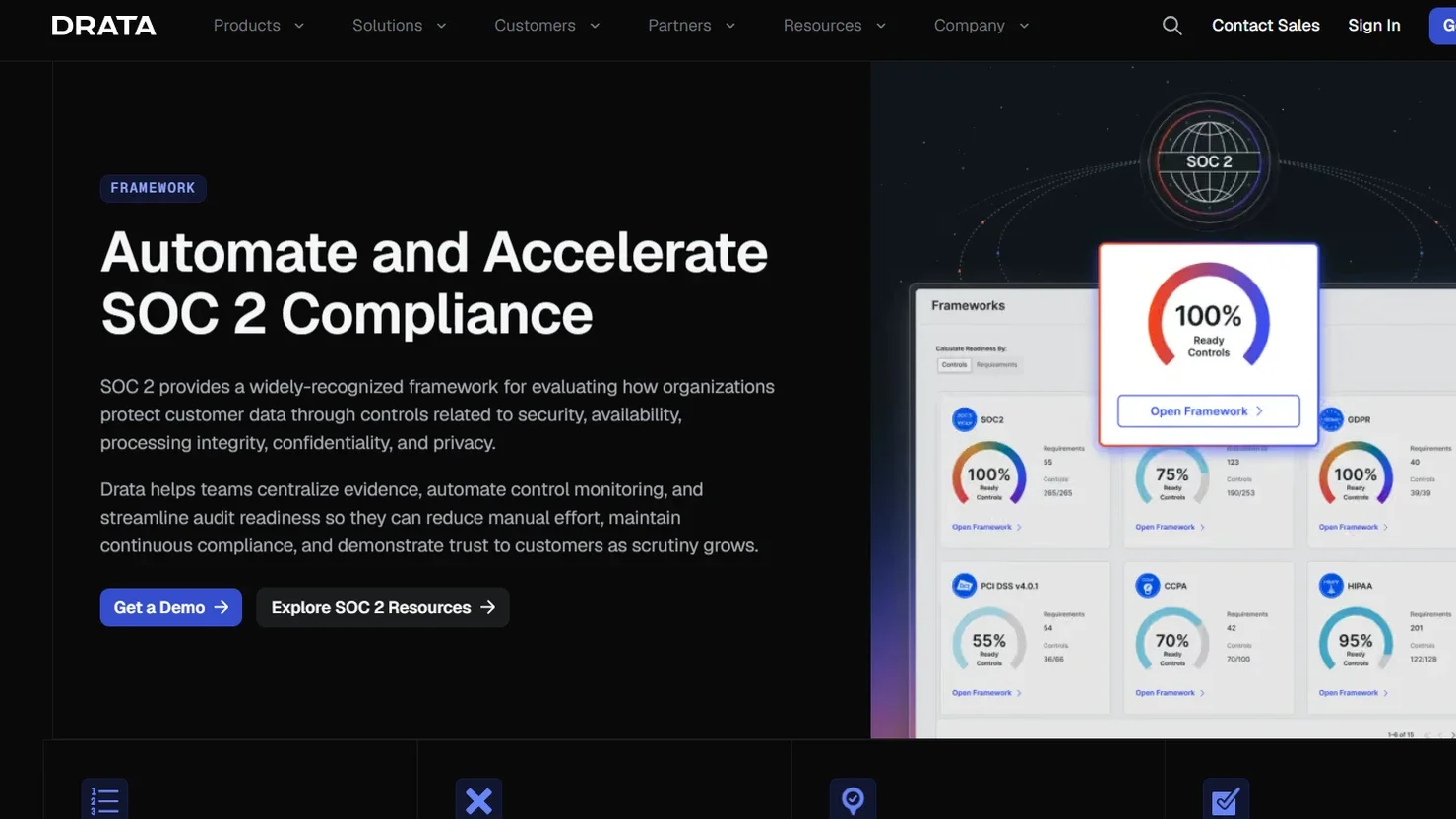
Drata is a compliance automation platform focused on continuous control monitoring. It connects to AWS, Google Cloud, Azure, GitHub, GitLab, Jira, Okta, Google Workspace, Microsoft 365, Slack, and many other systems. Evidence is collected without manual screenshots.
Key capabilities
- automated monitoring;
- policy management;
- control verification;
- risk management;
- vendor risk;
- employee security workflows;
- audit support for SOC 2, ISO 27001, HIPAA, GDPR, CCPA, and PCI DSS.
Pros
- strong continuous monitoring;
- wide integration coverage;
- scales from startups to enterprises.
Cons
- custom pricing;
- does not replace SIEM, SOAR, or XDR;
- control owners are still required;
- complex enterprise workflows need configuration.
Who is Drata for? Growing companies and compliance teams that handle several audits and need ongoing assurance. Drata is a strong choice among SOC compliance management software for continuous monitoring rather than one-time audit preparation.
How to Choose the Best SOC Software Stack
Buying tools is easy; making them work together is hard. Use these criteria to build a stack that fits your environment.
1. Define the problem first
Decide what matters most: centralized visibility, endpoint containment, faster investigations, or shared coordination on a video wall. If your primary goal is SOC 2 audit readiness, evaluate compliance management platforms separately. Clear priorities prevent tool sprawl.
2. Match the stack to your size and maturity
A small security team with limited resources has different operational requirements than a regulated bank running a 24/7 Security Operations Center. Lean teams often benefit from cloud SIEM or managed services, while mature SOCs can handle more customization.
3. Evaluate integration depth, not just connector count
Check whether integrations are read-only or bidirectional, which fields they pass, and whether they support response actions. Also check latency, API access, and the effort required to maintain each connector.
4. Test detection quality and analyst workflow
Measure false positives, enrichment, incident grouping, and time to triage with your own data. The number of prebuilt rules matters less than how quickly analysts reach a decision.
5. Automate selectively
Start with safe tasks such as enrichment, ticket creation, and notifications. Move to account disabling or endpoint isolation only when playbooks are proven, and keep human approval for disruptive actions.
6. Review security and compliance requirements
Identify applicable requirements for log retention, access control, incident documentation, and data residency. Verify that your SOC tools can provide the necessary security records and audit evidence. If your organization also needs SOC 2 compliance automation, evaluate dedicated platforms such as Vanta or Drata separately from detection and response software.
7. Calculate total cost of ownership
Include licenses, data ingestion, storage, retention, implementation, connectors, training, tuning, and support. Time to value matters as much as the license price.
8. Assess command center needs
Ask whether you run a dedicated SOC room, how many operators work at once, and which sources everyone must see. Consider whether layouts should change automatically during major incidents. This is where Polywall becomes a differentiator. Our guide to command center design covers room planning in detail.
9. Run a proof of concept
Test at least three scenarios with real data: routine monitoring, a compromised account or endpoint, and a major incident that needs cross-team coordination.
Test SOC Software with Real Operational Scenarios
When evaluating software for a Security Operations Center, I recommend testing the complete operational workflow rather than individual product features.
A platform may look impressive during a demonstration, but the real question is how it performs during a security incident.
For example, take a scenario where a SIEM generates a critical alert. Can operators quickly display the relevant dashboard on the video wall? Can they bring up information from other systems without rebuilding the entire layout? Can the team switch between routine monitoring and incident response views? And can authorized operators manage the displayed information without depending on an AV technician?
I would also check how the system handles multiple content sources, changes between shifts, and remote collaboration.
These tests reveal whether the software genuinely supports SOC operations or simply provides another way to display dashboards.
Most organizations build their stack step by step. A common sequence looks like this:
- Establish core visibility with SIEM and/or XDR.
- Standardize incident workflows.
- Add automation where processes are stable.
- Add command center visualization once shared operational awareness becomes critical.
SOC 2 compliance platforms can be introduced in parallel when an organization needs automated control monitoring and audit evidence collection. They serve a separate purpose from the core SOC detection and response stack.
Find the Best Security Operations Center Software for Your Business
There is no single best SOC software solution for every organization. The right combination depends on your infrastructure, risk profile, team size, and operational requirements.
SIEM and XDR platforms support threat detection and investigation, while SOAR helps automate incident response. SOC 2 compliance tools address a separate need: managing security controls, collecting evidence, and preparing for audits.
Beyond detection and response, effective security operations also depend on how information is presented to the team.
For SOC control rooms, bringing critical dashboards, alerts, and incident data into a shared visual environment can improve situational awareness and help operators coordinate during high-pressure incidents. This is where Polywall comes in. As a comprehensive video wall management platform, Polywall complements existing SIEM, XDR, and SOAR tools by displaying their dashboards, maps, video streams, and incident information on shared screens and organizing work of SOC operators.
Ready to see how Polywall can transform your SOC command center?
Book a demo with our team and get a fully functional 30-day Polywall license free of charge, to evaluate it in your environment. Bring your SIEM, XDR, and incident response dashboards together on one video wall, and give your operators the visibility they need.
FAQ
What is SOC software?
It is the set of tools a Security Operations Center team uses to monitor security events, detect threats, investigate incidents, and coordinate response. Typical categories include SIEM, XDR, EDR, SOAR, and video wall software. SOC 2 compliance platforms support a separate set of audit and governance tasks.
Is SIEM the same as SOC software?
No. SIEM is one important component, but a complete SOC also relies on endpoint detection, automation, case management, and visualization.
Does SOC compliance software detect cyberattacks?
Usually not. Tools like Vanta and Drata manage controls, evidence, and audit readiness, while SIEM and XDR handle threat detection.
What is the difference between SOC software and SOC 2 compliance software?
Security Operations Center software supports threat detection, investigation, and incident response. SOC 2 compliance software, such as Vanta and Drata, helps organizations monitor security controls, collect evidence, and prepare for audits. These platforms serve different purposes and should not be compared as direct alternatives.
Can Polywall replace a SIEM?
No. Polywall adds a video wall visualization and control layer on top of your existing security tools and video walls.


