
Home»Industries»Education
Polywall Digital Classroom Management Software
Manage classroom displays, student screens, and learning content from one software platform.
Designed for Modern Teaching and Learning
Polywall is a classroom management platform for content delivery, student engagement, and digital teaching workflows on existing IT infrastructure.

Enrich
Deliver presentations, whiteboards, media, and dashboards to every classroom display.

Engage
Share content across classroom displays and student screens to keep every learner synchronized.

Control
Manage classroom content, student participation, displays, and learning activities from one teacher interface.
Key Digital Teaching Workflows with Polywall
Support lectures, hybrid lessons, student presentations, and guided practice from one software platform.
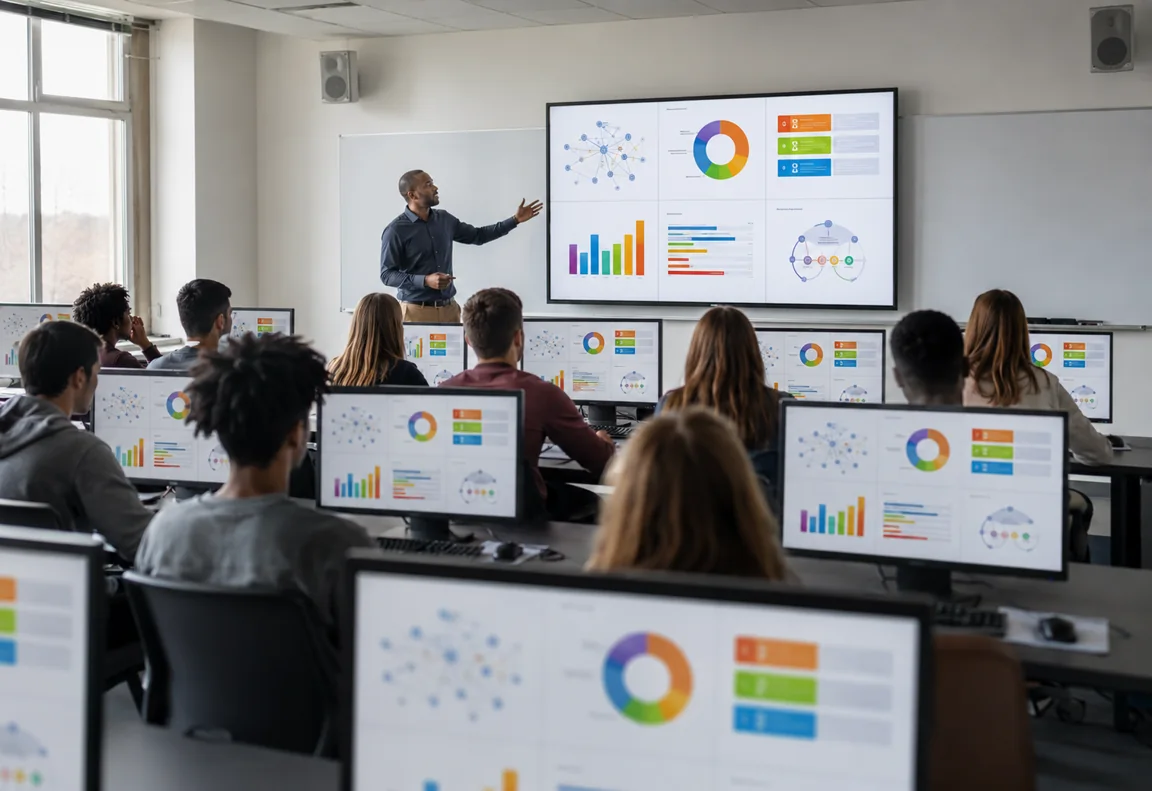
Synchronized Content Delivery
Every lesson, every screen
Polywall classroom screen sharing software delivers content to every classroom screen in real time.
- Share presentations across displays and student workstations
- Show digital whiteboards live on every student screen
- Add videos, websites, dashboards, and documents
- Switch learning materials without interrupting the class
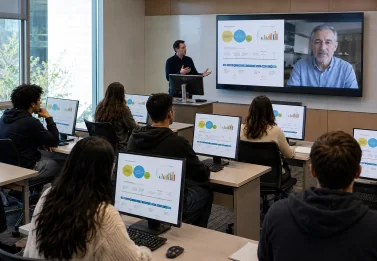
Hybrid Participation
Connect remote and in-room learners
Connect remote students, guest lecturers, and classroom participants through one digital classroom platform.
- Display remote lecturers on the main classroom screen
- Let remote students follow the same learning materials
- Combine in-room and online participation in one workflow
- Keep class context shared across physical and remote users
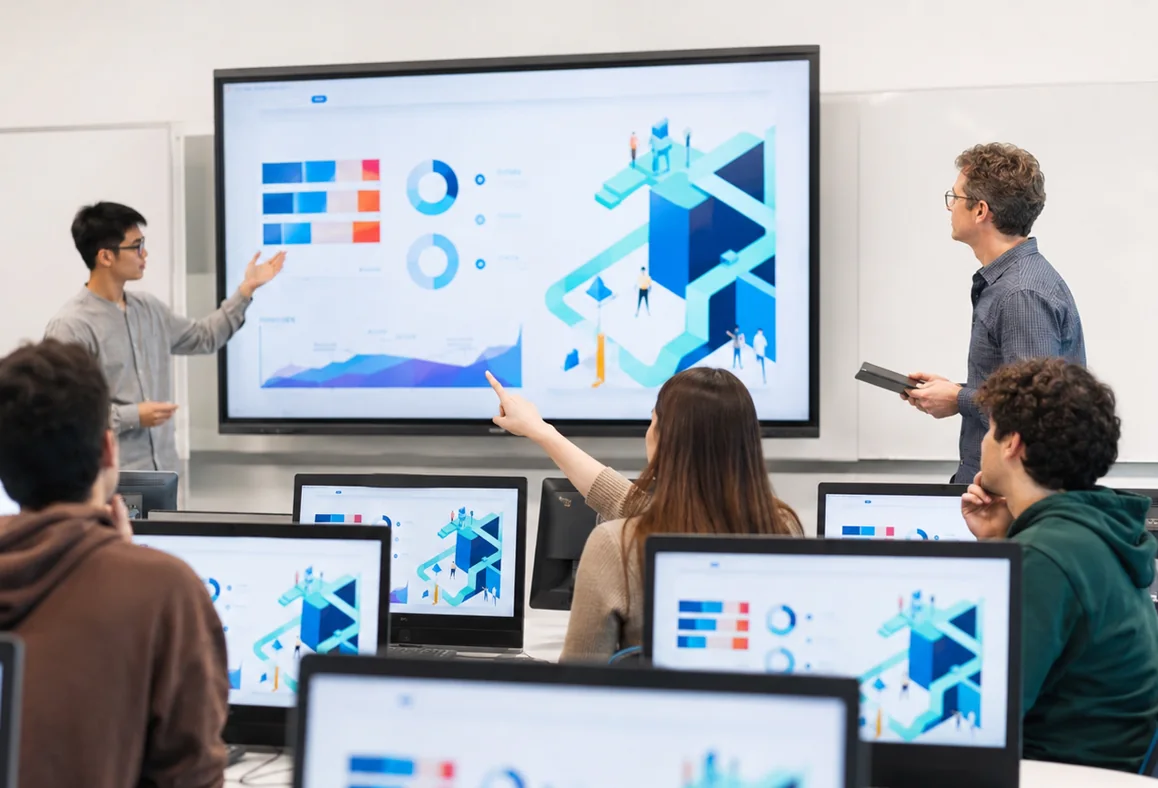
Interactive Learning
Guide, review, and discuss
Support student presentations, group reviews, and practical exercises through a shared classroom management display.
- Share selected student screens for class discussion
- Let students present their work to the whole class
- Monitor practical tasks during individual exercises
- Review student work without changing classroom setup
How Polywall Manages Digital Classroom Workflows
Polywall connects teaching content, classroom displays, and student workstations into one coordinated lesson workflow.

Connect Any Type of Content
Use classroom screen sharing software to display the same lesson content on the main display and every student workstation.

Share It Across Every Screen
Display the same lesson content on the classroom display and student workstations so everyone follows the same context.

Create Teaching Scenarios
Set up lesson layouts and workflows for different teaching formats with Polywall classroom management software.

Manage from One Interface
Control the classroom management display, switch lesson content, and guide activities from a tablet or workstation.
Built on Your Existing IT Infrastructure
Deploy Polywall using existing classroom PCs, displays, and campus networks without proprietary AV infrastructure.
Traditional AV Approach
 Specialized Interface Device
- Dedicated Network
- AV Encoders
- AV Decoders
- AV Matrix
- KVM Systems
- Control Processor
- Control Software
Multiple specialized devices and proprietary dependencies.
Polywall Approach
 Teacher tablet or laptop
- Existing LAN / Wi-Fi
- Polywall Software
- PC Hosting Polywall Software
- Classroom Display
- Student Workstations
One software platform running on standard IT infrastructure.
Planning a Classroom Modernization Project?
Get a Free Consultation from Experts
Tell us about your learning environment and we’ll recommend the right next step.
From Pilot Classroom to Campus-Wide Platform
Start with one classroom, validate the value, then scale across departments and campuses with a proven deployment model.
Stage 1
Pilot Classroom
Start with one room
Deploy Polywall in one classroom to validate teaching workflows, technical setup, and value.

Stage 2
Department Rollout
Replicate the proven setup
Extend the same classroom model across faculties while keeping a consistent experience.
Stage 3
Campus-Wide Platform
Connect every classroom
Move to centralized management for digital learning spaces across the entire campus.
Ready for One Classroom or One Campus
Support more students, more classrooms, and new teaching workflows without rebuilding your environment.
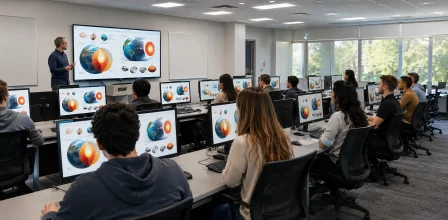
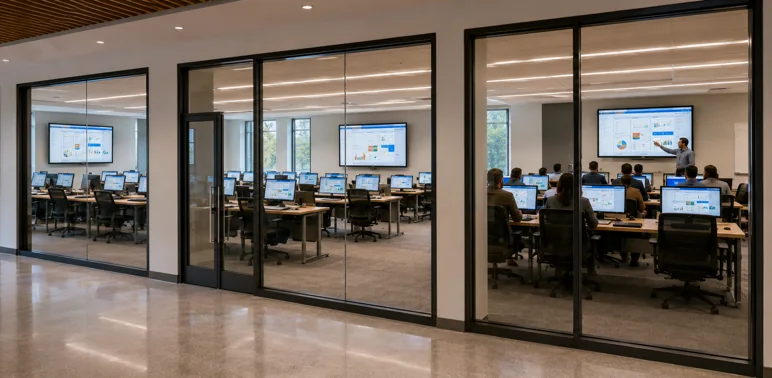
Add More Student Workstations
Increase classroom capacity by connecting additional student workstations without changing how teachers manage lessons.
✓ No additional software licensing
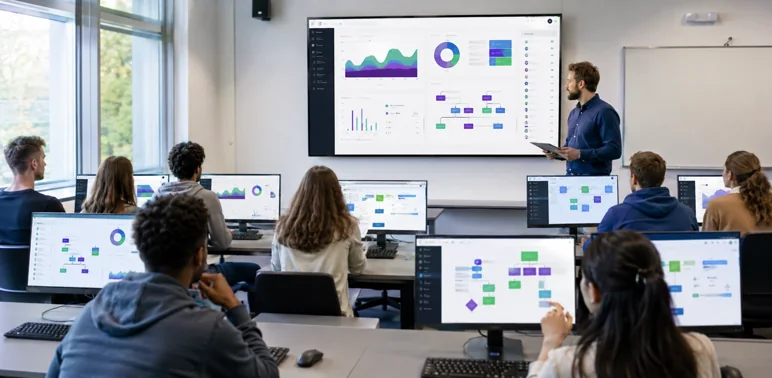
Replicate Proven Classrooms
Deploy the same classroom model across departments and campuses while keeping one consistent teaching experience.
✓ No classroom redesign
Unlock New Teaching Workflows
Introduce new classroom capabilities through software updates while preserving your existing technology investment.
✓ No hardware upgrades
Why Educational Institutions Choose Polywall
A practical software platform for managing digital classrooms, content delivery, student engagement, and campus-wide growth.

Complete Class Control
Manage presentations, displays, student screens, and participation from one platform.

Simple Teacher Workflow
Give instructors a clear interface to manage lessons, content sharing, and classroom activity.

Better Student Engagement
Keep students focused by sharing the same learning content across classroom and student screens.

IT-Friendly Deployment
Use existing PCs, displays, and networks without relying on proprietary AV infrastructure.

Scalable by Design
Expand from one classroom to departments, faculties, or campus-wide deployments over time.

Flexible Learning Scenarios
Support lectures, presentations, hybrid lessons, student reviews, and practical training workflows.
Pilot Classroom Configuration
A pilot classroom builds on existing infrastructure and adds only the essential components for digital learning.
Book a DemoStudent Workstations

Campus Network

Teacher Device

Classroom Display

Classroom Computer

Polywall Software
Polywall for Different Visual Environments
From classrooms to control rooms, Polywall helps teams manage shared content across displays, workstations, and users.
Frequently Asked Questions (FAQs)
Ready to Explore Further?
Tell us about your learning environment and we’ll recommend the right next step.


