
Dubai, UAE
Polywall is pleased to introduce Polywall 3.12 – a new version of its control room management system where visualization, interaction, security, and IT monitoring come together.
As teams work with growing numbers of dashboards, browser-based applications, live data, and remote workflows, the video wall is becoming more than a display surface.
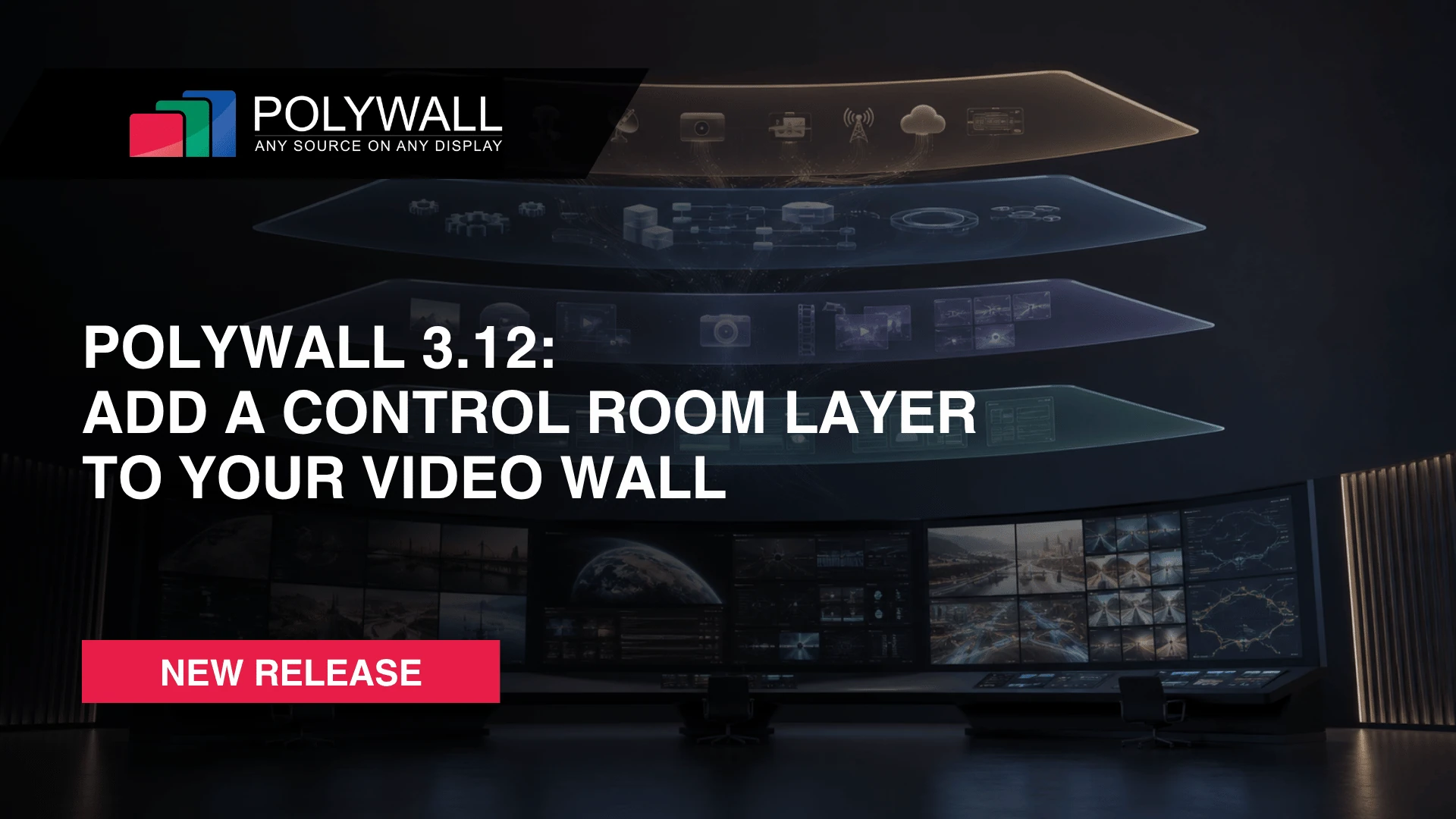
Polywall 3.12 supports this evolution by introducing the concept of a control room layer for the video wall, built around four key areas: software sources, content capture, automation, and interfaces.
What Is a Control Room Layer for the Video Wall?
Traditional AV-over-IP or video matrix projects usually focus on routing and displaying physical sources, such as live workstation images and camera streams. But modern control rooms increasingly need more than source visualization.
As operations become more digital, control rooms need to launch and manage more dashboards, working documents, maps, alerts, tickets, browser applications, and multimedia content without constantly involving operators at the wall.
A control room layer brings these capabilities closer to the video wall software environment. It helps teams work with dashboards, applications, connected workstations, remote access, permissions, monitoring, and automation within a more unified workspace.
In Polywall 3.12, this concept is reflected through new features for browser-based control, IT monitoring, enterprise security, source integration, and daily workflow management.
1. KVM Where Needed: Direct Browser Control for PC-Based Sources
KVM Where Needed expands Polywall Lens from video wall access to broader remote control. Users can view and control workstations or video wall sources directly through the browser, using their keyboard and mouse without separate KVM hardware.
In traditional IP-KVM architectures, remote control often defines the whole project. The video wall, operator workstations, and connected sources may all need to be built around KVM nodes. This makes the system more hardware-heavy, impossible to manage externally, and dependent on a single vendor ecosystem, since KVM nodes from different brands are usually not interchangeable.
With Polywall, KVM becomes a functional choice, not an architectural constraint. Teams can add KVM control where it is needed, without rebuilding the full system around dedicated KVM hardware or adding extra nodes for every use case.
- Polywall Streamer sends high-quality workstation video to the Polywall PC and video wall over the network.
- Polywall Agent sends the workstation image to Polywall and enables external KVM control. In 3.12, it has been rebuilt with built-in Lens support.
- Capture Card Input brings a workstation signal into the video wall through a direct video cable and a capture card installed in the Polywall PC.
The update also improves performance, navigation, and collaboration:
- View Only mode allows users to access the video wall without interaction rights.
- Smooth Zoom makes it easier to navigate large video walls and target specific areas.
- Mouse Monopolization improves multi-user collaboration by preventing input conflicts when several users work with the same video wall.
- Polywall Lens is now x64, making it ready to handle very large video walls more smoothly.
- Lens no longer consumes bandwidth or CPU performance when there are no active connections.
- FPS and timeout settings give teams more control over output quality and performance.
KVM becomes part of the video wall software environment, not a separate hardware subsystem, reducing extra hardware and simplifying remote access.
2. Enterprise Security and Access Control
Modern control rooms are increasingly shaped by IT and security requirements. In Polywall 3.12, security improvements focus on two areas: safer API management and more precise user rights control.
API Security Improvements
Polywall 3.12 strengthens API protection by moving to token-based access, in line with OWASP Top 10 security recommendations. This helps teams manage integrations more securely and improves control over automated actions inside the video wall environment.
- API access is now token-based.
- Token management is available in Server Settings.
- Automation nodes have been updated to support token-based API access.
- Event logging has been extended to cover more system actions, including:
source parameter changes such as mute/unmute or autoplay;
actions triggered through the API.
- Polywall Automation is now a standalone component with a separate installer.
Example: When an external control system triggers source changes through the API, token-based access and extended logging help teams track what happened and reduce the risk of unmanaged API usage.
LDAP Group-Based User Management
Polywall 3.12 also simplifies user administration for IT teams through reworked LDAP integration.
Instead of managing users separately in Polywall and in Active Directory, IT teams can create user groups in Polywall and then manage membership at the Active Directory level by adding or removing users from the relevant groups.
LDAP-related updates include:
- Fully reworked LDAP integration;
- Support for LDAP groups;
- Easier group-based user management;
- Better alignment with existing Active Directory structures.
Example: an IT manager can create groups for operators, supervisors, and administrators in Polywall, then manage user membership directly in Active Directory.
Role-Based Access Control (RBAC)
RBAC focuses on cybersecurity and access governance. The reworked module supports OWASP Top 10 and NIST-aligned access control practices by limiting user actions according to defined roles and responsibilities.
Granular role permissions include:
- Access to specific repositories;
- Source creation, editing, and deletion;
- Scenario creation, editing, and deletion;
- File upload rights;
- Scenario execution rights.
Example: a security team can define a role that allows operators to execute approved scenarios, while reserving source editing, repository access, and file upload rights for supervisors or administrators.
Together, these updates align video wall management with enterprise IT and cybersecurity policies, simplify user administration, and improve traceability across user and API-driven actions.
3. IT-First Video Wall Operations
Polywall 3.12 brings video wall hardware monitoring into the IT workflow, with per-wall status visibility and integration-ready data for monitoring platforms:
- New Polywall Hardware Monitor module.
- Hardware status can be checked for each video wall individually.
- Monitoring is accessible directly via Polywall Designer.
- Customizable health dashboard to highlight the systems that matter most for operators;
- Supports connection with monitoring tools such as Zabbix and Prometheus.
- Helps IT teams include the video wall in broader infrastructure monitoring processes.
Example: instead of checking video wall hardware manually or separately, IT teams can access monitoring data through Polywall and integrate it into their existing supervision tools.
4. Hardware-Agnostic Source Integration
Polywall 3.12 adds native DirectShow support, making it easier to connect hardware sources without custom SDK integration.
Polywall can now detect standard DirectShow streams available in the system and automatically create video wall sources from them.
With this update, Polywall supports:
- Native Windows DirectShow framework for video devices presented in the system;
- Autodetection of DirectShow-compatible devices;
- Compatibility with a wider range of capture cards;
- Support for USB webcams and document cameras;
- Source creation through standard Windows video protocols.
Example: A compatible capture card, USB camera, or document camera can be detected and added as a video wall source without a dedicated integration project.
5. Faster Daily Control Room Workflows
Not every improvement has to change the full system architecture to make a difference. Polywall 3.12 brings several practical updates for everyday video wall operation – from scenario preparation to faster content delivery.
Videowall Preset Management
Preset management becomes more flexible with a new Live to Preview workflow.
Control room operators can capture the current Live wall state, move it to Preview, and prepare it for future use without rebuilding the layout from scratch.
Key updates:
- New Live to Preview button on the videowall panel;
- Preset copying from Live to Preview;
- Preview can be closed without closing the Scenario section.
Example: after a manually prepared meeting setup, the operator can save the final wall arrangement in two clicks and reuse it for the next session.
File Upload & Management
Remote file upload is now available directly in Polywall Designer, making content delivery to the video wall repository more straightforward.
The update includes:
- Upload progress tracking;
- Ability to stop uploads when needed;
- Duplicate file validation;
- Improved file sorting across numbered file names;
- File type filtering.
Example: an authorized user can prepare a presentation, image, or video fragment from any location, upload it to the repository in a few clicks, and make it immediately available for publishing on the video wall – without being physically present in the control room.
6. More Formats and More Control for Visual Content
Polywall 3.12 expands support for images, media files, and browser-based content used in daily video wall operations.
Enhanced Image & Media Support
The updated Image plugin gives users more control over image display and supports additional formats for complex visual content:
- SVG and WebM support for scalable and animated content;
- Full alpha blending support for transparent zones;
- Crop behavior for pictures aligned with the video plugin;
- Opacity control for images;
- Extended audio format support, including WMV, ASF, OGG, OGM, TS, AIFF, VOB, MP3, and FLAC.
The updated Image plugin gives users more control over image display and adds support for formats such as SVG and WebM.
Integrated Browser Improvements
Browser-based sources now offer more flexible playback, display, and launch behavior. With more browser settings available directly in the plugin, integrators can configure default browser behavior in Polywall more easily for different project requirements.
The update includes:
- Support for modern codecs such as H.264 and MP3;
- Playback support for streams such as YouTube Live;
- Transparent browser mode for more flexible multimedia and visual installation scenarios;
- New browser launch parameters, including:
- force dark mode;
- certificate handling options;
- disable popup blocking;
- autoplay without user interaction;
- enable touch events;
- disable hardware acceleration;
- language selection;
- force scrollbar;
- smooth scrolling;
- console logging.
7. Stability and Bug Fixes
Polywall 3.12 includes a range of stability, compatibility, and security-related fixes, including updates based on security bulletins and project-based feedback.
These improvements support more reliable day-to-day operation across different video wall environments.
Ready to Add a Control Room Layer to Your Video Wall?
Polywall 3.12 shows one of the key advantages of a software-defined control room approach: the system can keep evolving after deployment.
Unlike hardware-based architectures, software can be updated with new capabilities for browser-based control, hardware monitoring, enterprise security, source integration, and daily workflow management. Regular software upgrades help teams improve not only security, but also the efficiency and long-term value of the video wall solution they already use.
Every Polywall license includes one year of free software upgrades, with the option to extend this coverage. If you are already using Polywall, сontact us or your supplier to plan your upgrade.
Planning a new control room project? Book a demo with our experts to explore Polywall 3.12 in action.


